



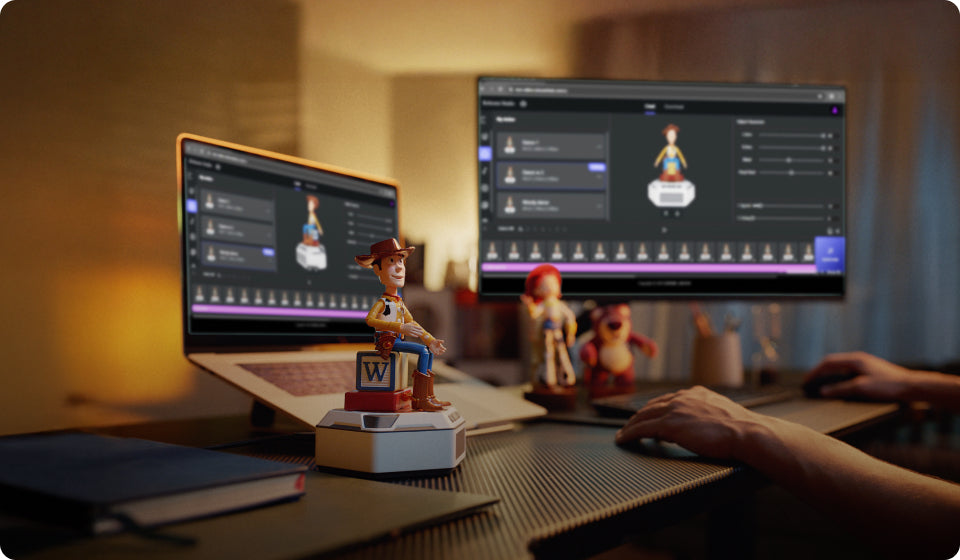


@lordpolski


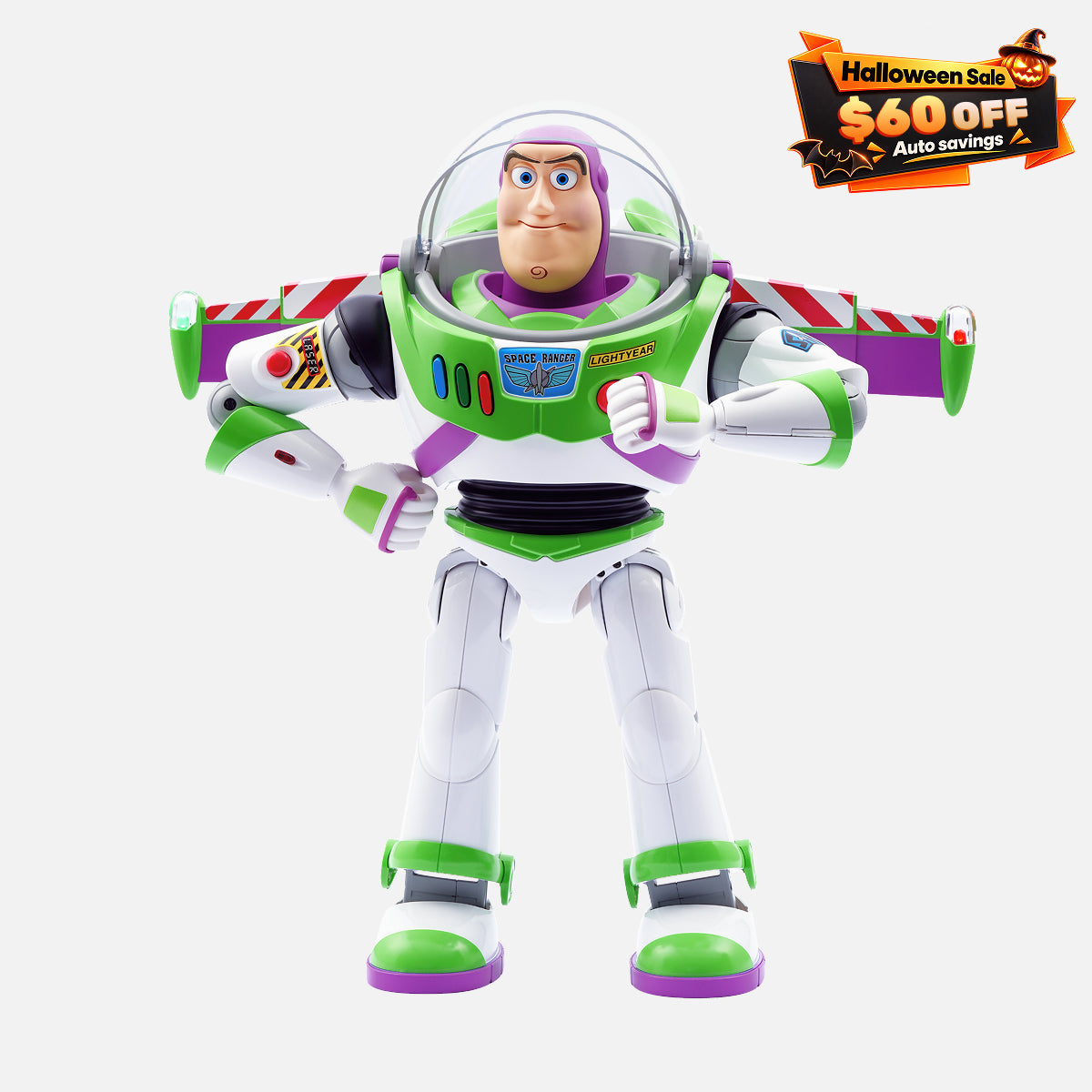
Tax excluded. Shipping calculated at checkout

Services and Benefits
24/7 Support
14-Day Returns
1-Year Warranty
1. 24/7 Customer Support
Our experts are always here to help.
Reach us anytime via live chat or email.
Chat with us
Email:
support@robosen.com
2. 14-Day Return Policy
Eligible products may be returned within 14 days.
Learn more about our
return and refund policy.
3. 1-Year Free Warranty
All Robosen products include a 1-year limited warranty.
Learn more about our
warranty coverage.
An optional
2-year extended warranty
is also available.

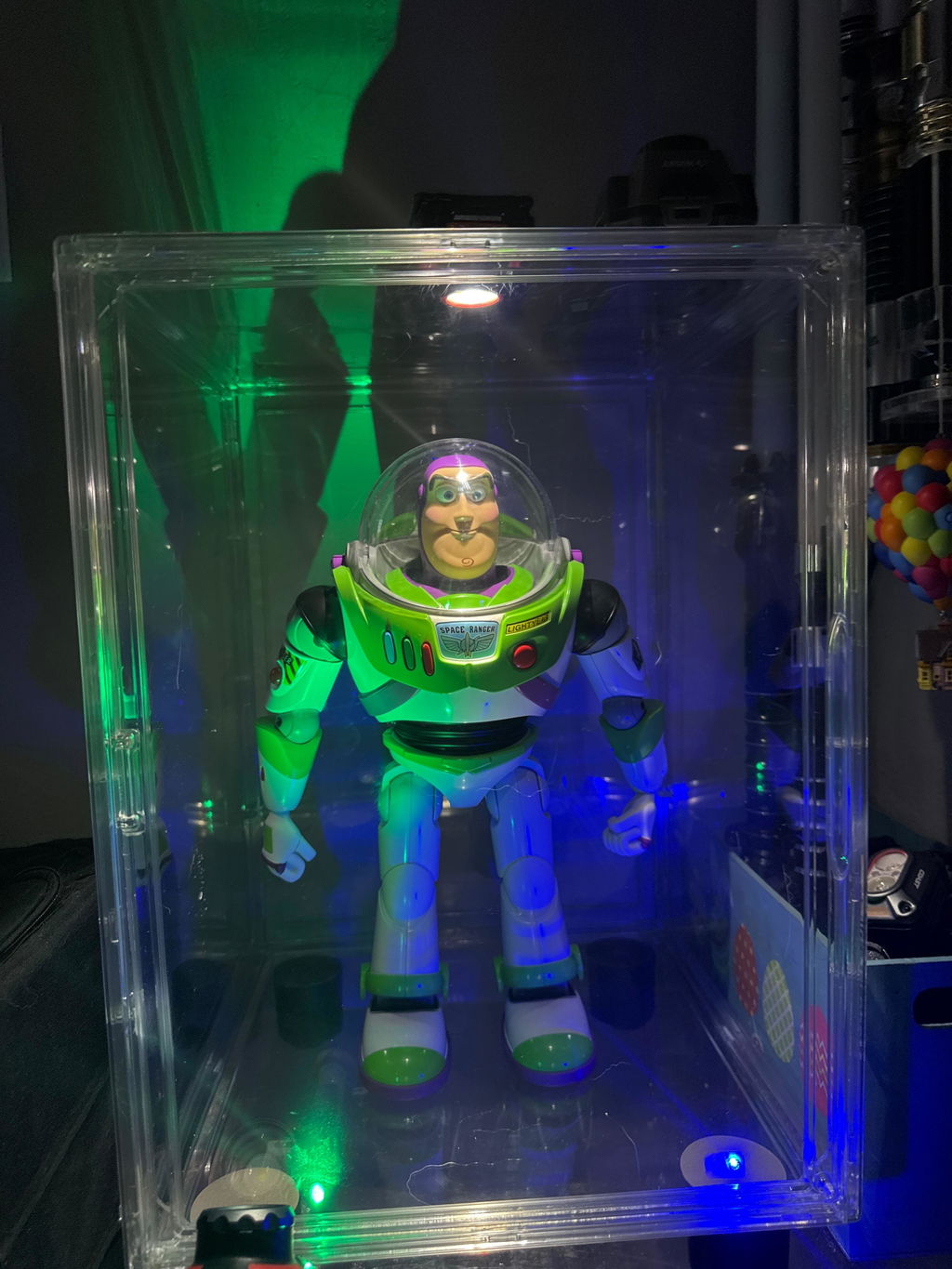
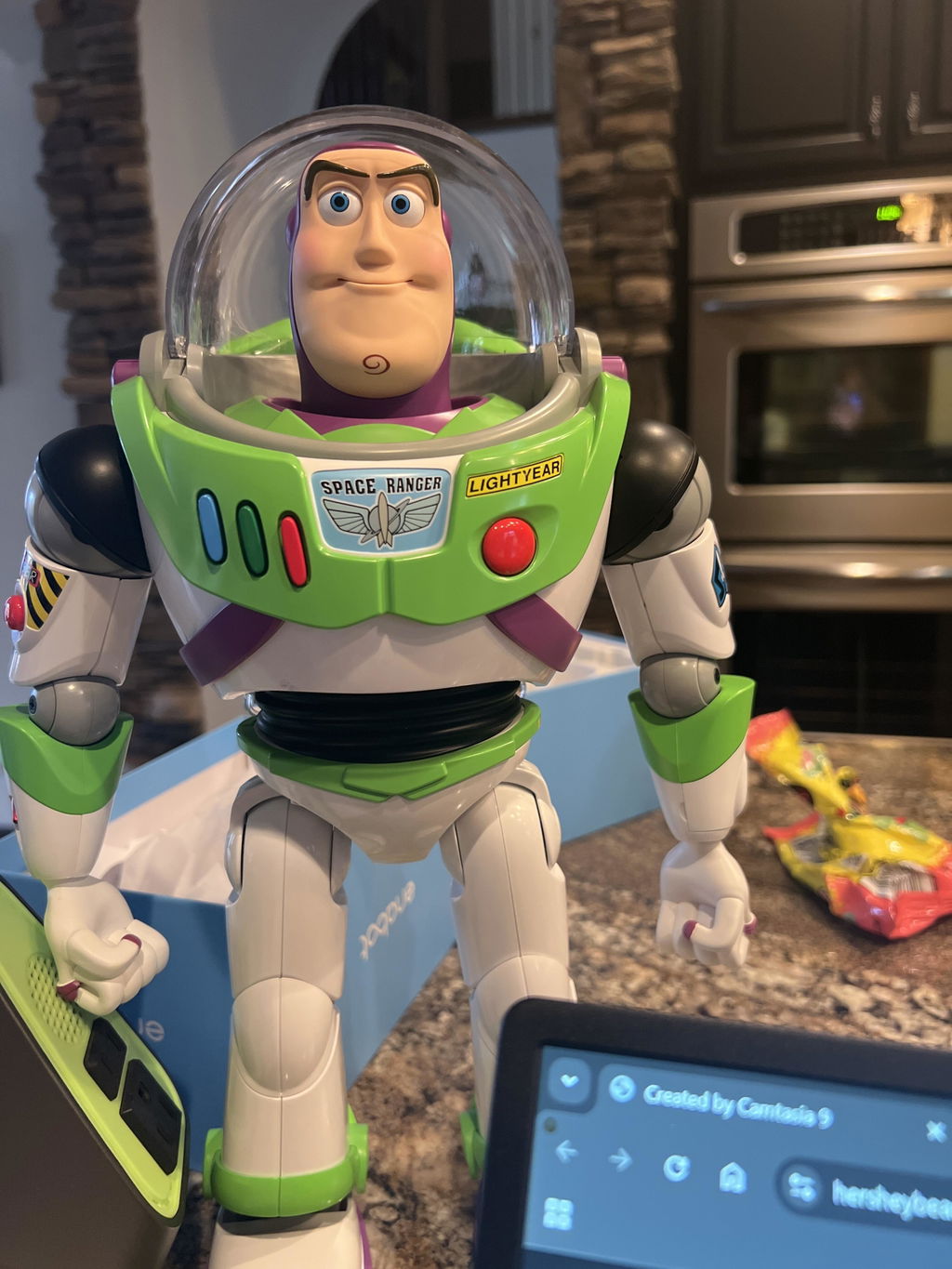
Product demos, creator reviews and fan videos.
@lordpolski

Adam Savage’s Tested

@raymondmendozaphotography

@simply_haydeee

@insertrichie

@javigeek
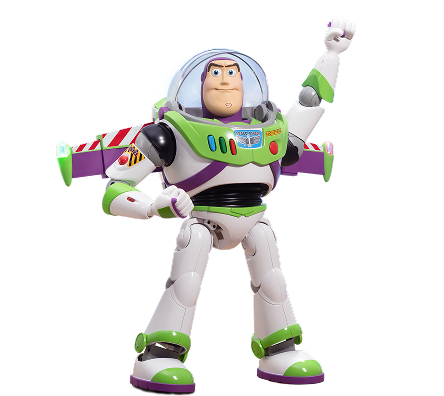
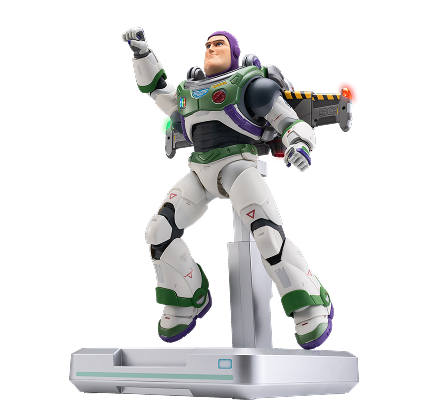
The world's first "living" Buzz Lightyear robot, officially licensed by Disney/Pixar!

Expressive Face, Dynamic Motion
Buzz Lightyear comes alive with fluid facial expressions and natural walking motion, made possible by advanced servo motors and precise robotics. Every move—from a smile to a heroic stride—feels just like the animated character stepping into reality.
From his wings to his communicator, Buzz Lightyear's gear is designed to mirror every detail from the Toy Story movies, bringing the true Space Ranger spirit to life.

Retractable Jetpack Wings

Laser Arm Cannon

Wrist Communicator

Make Buzz Your Own with Unique Accessories
Comes with a pre-installed footplate featuring Andy's iconic signature, plus an additional blank footplate for you to add your own signature, making Buzz uniquely yours. With interchangeable hands, recreate Buzz’s different heroic poses, tailored to your imagination.

Bring Buzz's Different Personalities to Life
Switch between Buzz's iconic modes with the chest buttons. Each button press captures the humor and personality of Buzz, making every moment feel straight out of the movies.
Relive the Iconic Buzz Experience
Featuring over 200 authentic Disney audio clips and 34 voice commands, Buzz’s voice and actions deliver an immersive experience straight from Toy Story, letting you relive the magic every time.

App-Driven Play—Take Control of Buzz!
Dive into Buzz's world with the app's three main modules, allowing you to create, direct, and control like never before.

Two Ways to Create, Infinite Possibilities
Whether you're new to robotics or an experienced creator, Buzz Lightyear offers two ways to program. Bring your imagination to life, one move at a time.

Easy Creation
Simply adjust Buzz's pose by hand and save the movement—it's easy to recreate iconic movie scenes or craft new ones with a hands-on touch.

Advanced Creation
Dive into Robosen Studio for full customization. Use an expansive library of actions and sounds to script your own Buzz adventures, exploring complex choreography and unique interactions.
Easy Creation
Simply adjust Buzz's pose by hand and save the movement—it's easy to recreate iconic movie scenes or craft new ones with a hands-on touch.
Advanced Creation
Dive into Robosen Studio for full customization. Use an expansive library of actions and sounds to script your own Buzz adventures, exploring complex choreography and unique interactions.
Buzz Lightyear Robot is designed for all kinds of experiences—family entertainment, personal collections, and education. Wherever you are, Buzz fits right in.

A Collector's Treasure

Family Adventures

Learn & Play
What's in the box

Wings Extended: 13.8 in (L) x 5.9 in (W) x 14.7 in (H)
Wings Retracted: 11.8 in (L) x 5.9 in (W) x 14.7 in (H)
8.4 lb
ABS, silicone, aluminum alloy, etc
23
WiFi 2.4G 802.11b/g/n, Bluetooth 5.0 BLE
11.1V
1900mAh
Type-C
PD Fast Charging Adapter 15V 2A,
Input: 100-240V~50/60Hz 0.8A
Output: 5V⎓3A / 9V⎓3A / 12V⎓2.5A / 15V⎓2A / 20V⎓1.5A
Max: 30W
90 minutes
Ensure the robot is in a quiet environment with minimal sound interference.
Use the preset voice commands to wake up or control the robot.
For details, refer to the voice command table in the app or the instruction manual.
Ensure the robot is used on a smooth, low-friction surface.
Verify that the robot is fully charged. Press and hold the power button until the robot says, "To infinity and beyond."
Use the original charger to charge the robot. The indicator light will be red during charging and turn green when fully charged.
Ensure the robot is powered on and not connected to another device.
Check that Bluetooth is enabled on your device and that all required app permissions are granted.
Charging takes approximately 90 minutes, and the operating time is around 60 minutes.
Restart the robot and make sure it is operating on a smooth surface free of obstacles.
Restart the robot. If the issue persists after multiple restarts, contact after-sales service for assistance.
Check the app to see if the robot's volume has been lowered.
Tenía tiempo que lo había visto, pero aquí en México es muy costoso, entonces tuve la oportunidad de pedirlo en Estados Unidos y traerlo, una maravilla, sus modos que tiene, y sus funciones lo hacen un coleccionable superior
I was kind of skeptical, but when I got the original buzz Lightyear one that impressed. Then I got the toy buzz and that’s the best thing going. Will love it if y’all make woody.. love this robot
Having lots of fun with buzz. Of course I got this for my son who is a non verbal adult with autism and a huge Toy Story fan. I am trying to set it up so he can use it at home as a communication device to answer simple questions and make requests. One YouTube tutorial and I figured how to program my own actions. Very straightforward and intuitive to grasp. I wish there was more dialogue available but I imagine as new actions become available that will increase the available dialogue as well. May revisit this review and up it to 5 stars in the future. Overall this was a great purchase.
All I can say is WOW!!!! Amazing job Robosen
Just got my buzz light year and does not work i contacted support and i have not received and answer yet .
Very expensive item for such a poor quality and defective .
Fyi still waiting for a team support to reach back to me day 3
I love the toy but the costumer service is really bad I have issues with tfor the past week I call costumer service twice, no one answer and I send an email and I’m still waiting for answer If you buy this toy and have issues in the future Good luck to find help !!!!!!
Love this product. Buzz is super awesome and can already do so much on his own, not to mention being able to program some of your own moves.
Highly recommend for any collector.
I bought a new buzzligh robot and I request a return as product arrive unopened , this request was rejected because carton brown box contening the product box was open to send pictures to Robosen proving that the product was unused and in the package. The request was made the same day product arrives. Do not buy from this company.
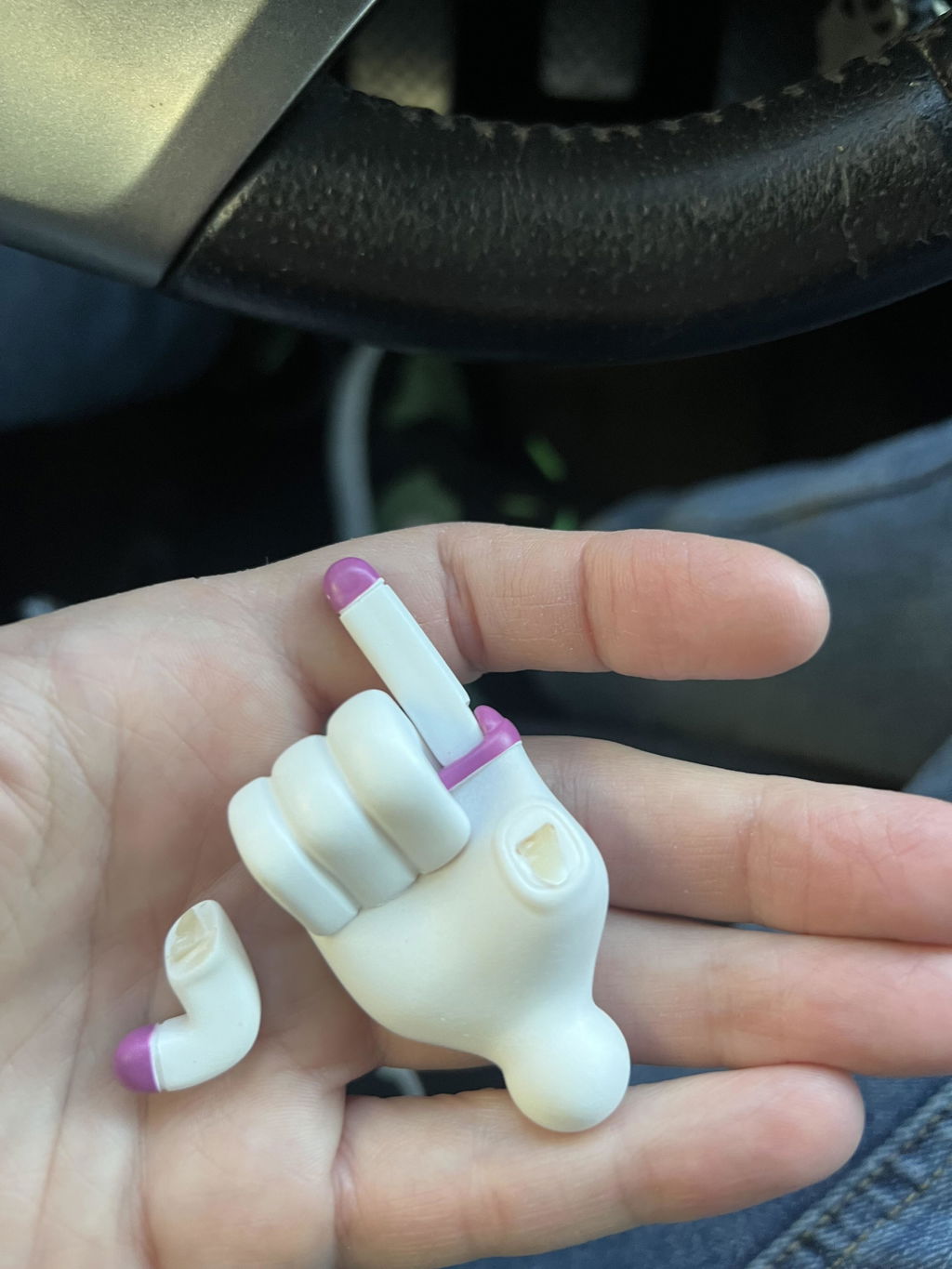
I’m super happy with the new buzz the only problem I’m running into is that on the inner voice function there are a couple that cut off early as if they are incomplete and one of the hands was is broken
Things have come a long way since the days of ROM. The app-controlled BB-8 and R2-D2 were great several years ago, but this Buzz Lightyear is a truly stunning advancement in technology. He is - uh - lightyears ahead of all of them. The facial movements are even more impressive in person. He walks. He talks. His range of motion is fantastic. He can recite entire scenes from the Toy Story movies. And I haven’t even dived into the programming aspects yet. Looking forward to getting to know this Buzz better.
I recently purchased Buzz Lightyear and I am pleasantly happy about it. He is an amazing guy.
Wow,Wow, Wow like watching a movie real-time. So fantastic best Robosen yet. I have ever Robosen ever made and I display them behind glass. Take one at a time to show-off. This Buszz is a great Robosen robot.
Ever since the Lightyear figure dropped, I’ve been waiting for them to release this version of Buzz. Absolutely worth the wait! Buzz is incredible and so much fun to interact with. The attention to detail, movement, and voiceovers are impressive. The button functions are super fun. Unfortunately, the laser button does not work but the programmed laser actions are still pretty awesome. The app is pretty straightforward to use. I haven’t had a chance to program any of my own movements but the preprogrammed actions are much easier to use on the app than using voice commands. I hope they will add functionality to download someone’s custom movements online into the app. The joystick commands are pretty basic. You can move up, down, left, right and execute a few preprogrammed commands. Hopefully they add more capabilities to this such as hand movements or independent voice lines. As far as issues (more quirks than issues) goes, I’ve noticed that the mouth movements can fall out of sync with the voice lines. However, after restarting and turning the volume up, it feels more in sync. Also the battery drains very quickly, even in idle/standby mode. I think I left it on and came back and hour later and the battery was drained. Please release a Woody version soon Robosen!
This Buzz goes above and beyond my expectations. Never thought I would have part of my favorite movie come to life right in front of me. Now I only need Robosen to make a Woody and my heart will be complete.
Awesome but a few bugs and stuff
This is a very capable and awesome robot!
This is the best toy ever made practically not even a toy a animatronic/robot absolutely amazing and resmebles the movies perfectly!
The best buzzlight year i have ever purchased
Brings in the memories and fun to share with the kids! Excellent product! Highly recommend!
All i got to say its awesome my husband loves it if anybody wants one i would definitely recommend getting one its worth it
This toy is amazing
Still waiting for a refund since Tuesday when I got it delivered
As a 90s kid, I never thought I’d actually see a "living" Buzz Lightyear in real life, but Robosen has absolutely nailed it. Everything from the movement to the iconic audio clips feels perfectly authentic and straight out of the movie. It has been such a blast experiencing this with my daughter; we are both completely obsessed. If you want to bring the magic of Toy Story to life, this is hands down the best way to do it.
I received my Buzz Lightyear 30th Anniversary, and it’s amazing. The only issue is that when I connect it to the app, the Bluetooth range is very short. It disconnects very quickly, which is frustrating because I have to keep reconnecting it every 30 seconds just to use it with the app.
Maybe the issue is that the app is not updated. Robosen, please update the app!
Product arrived on time znd in great condition.
This is a birthday present so it hasn’t been opened yet.
It stopped working after a week, we called for support and there's no live person answering calls during business hours. Left a message over a week ago and still haven't been called back. It was great while it worked but if you can't get support when you need it, it's just an expensive statue of a toy.
Great quality super fun it just needs more updates other than that extremely fast shipping
This is my first Robosen product and I'm already blown away!! I never imagined I would see the real Buzz lightyear ever since I watched the movie as a kid! But now thanks to Robosen I'm able to!!