










@lordpolski

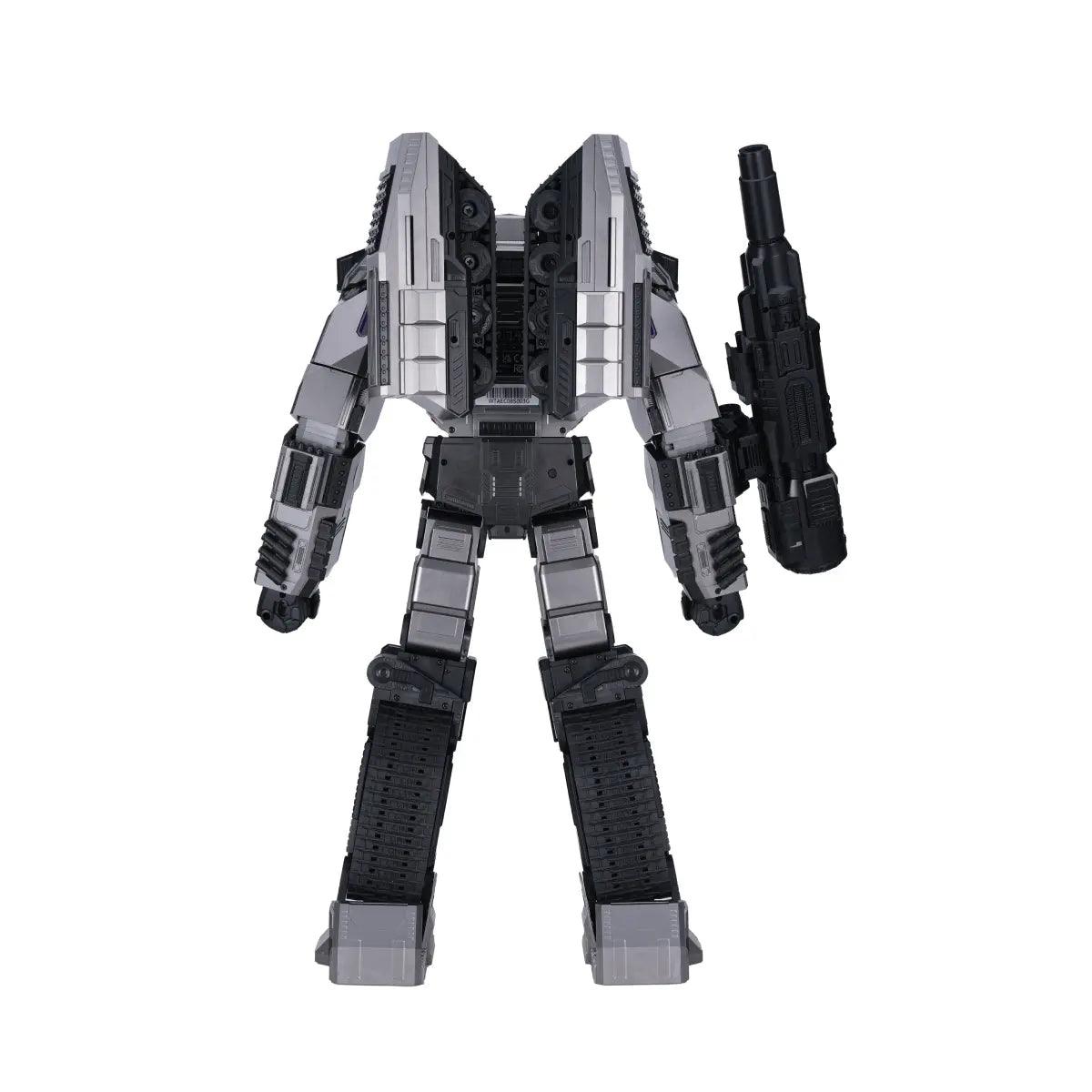
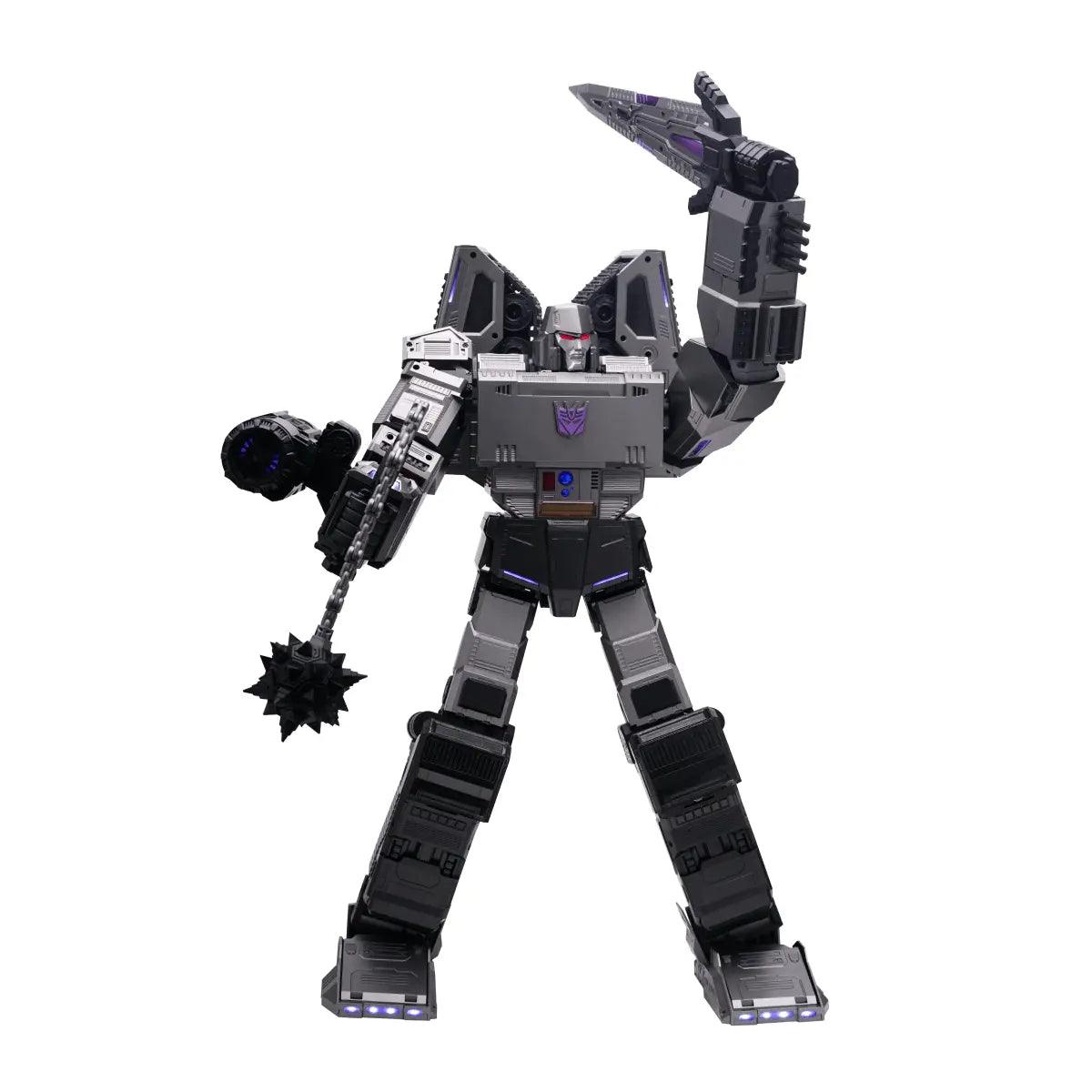


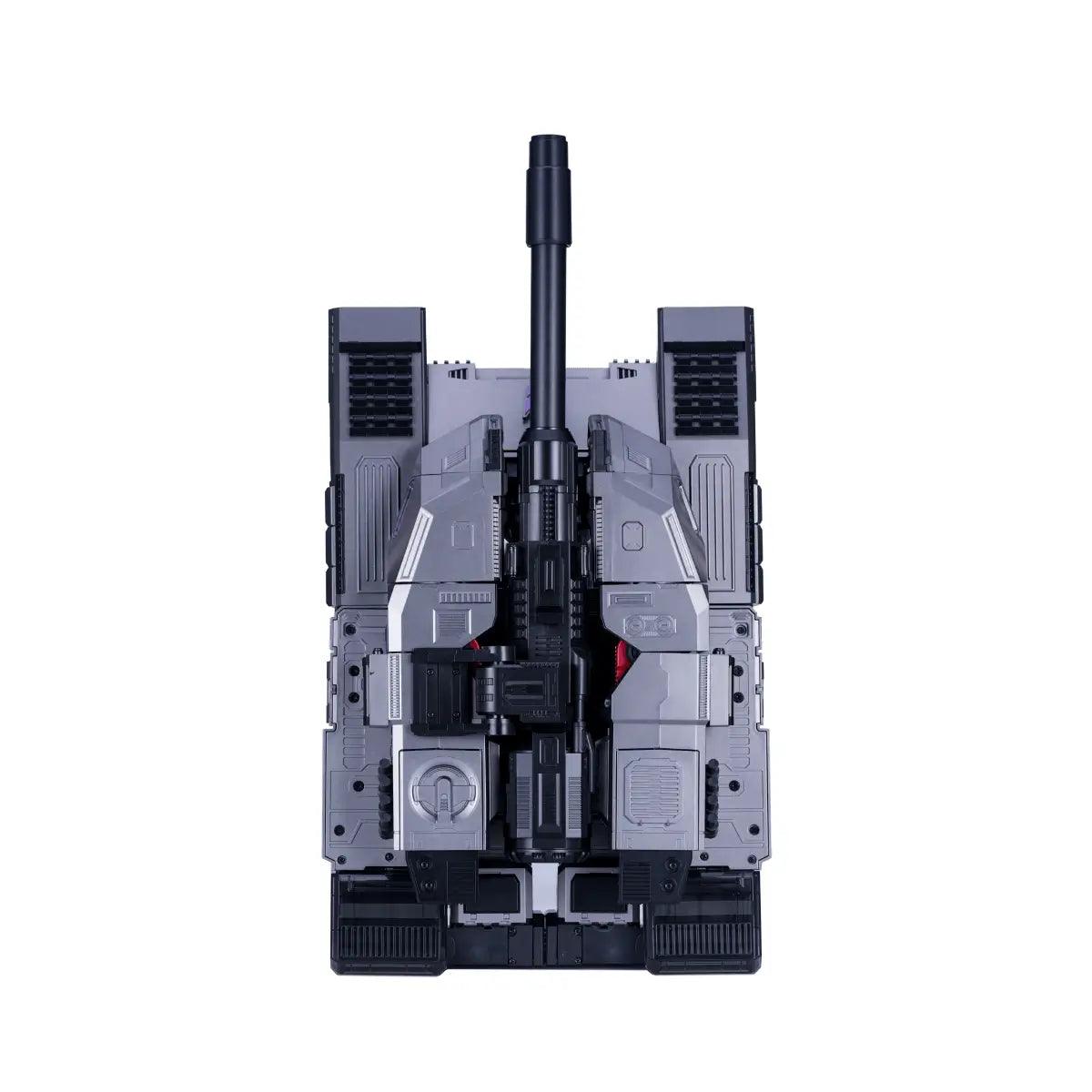

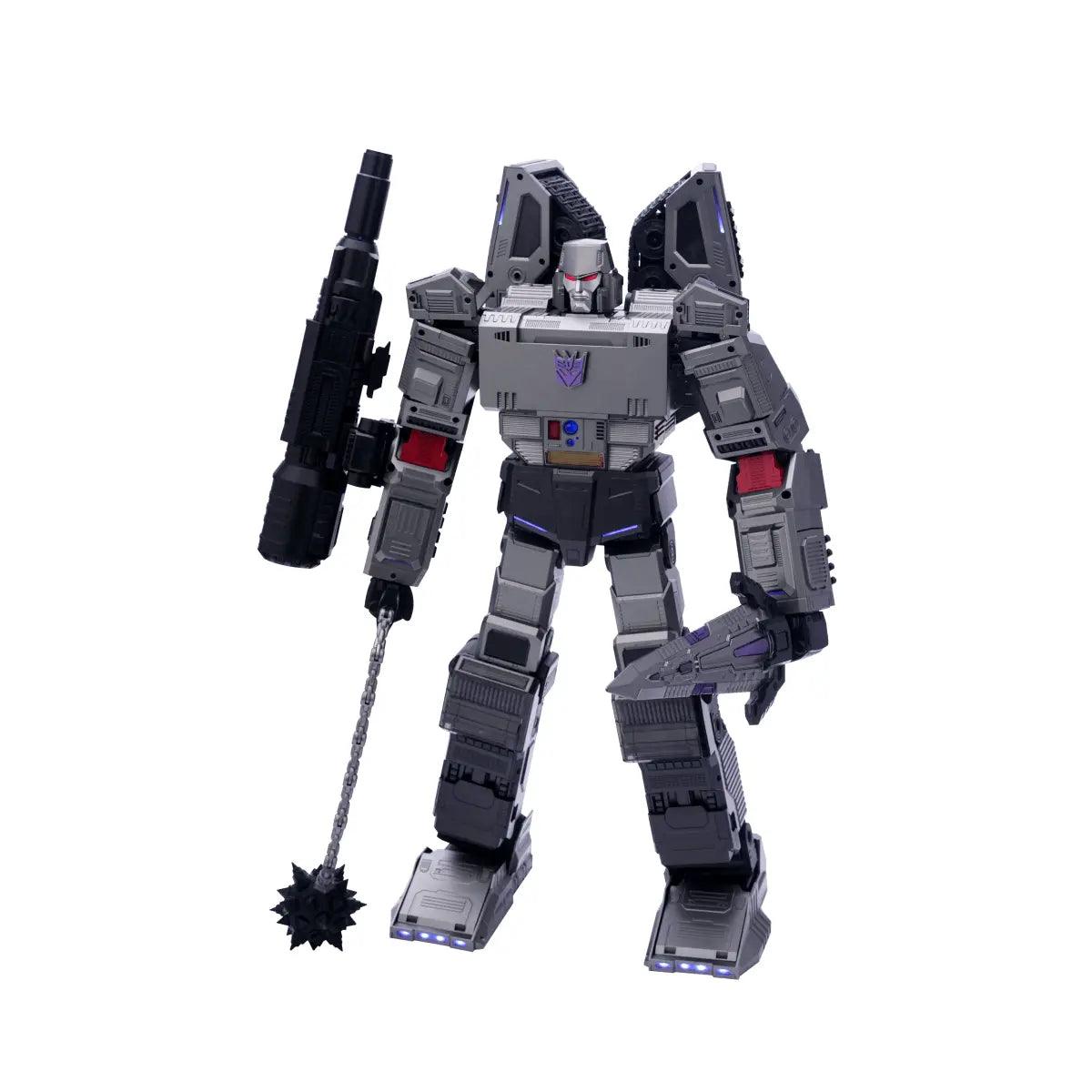




Tax excluded. Shipping calculated at checkout

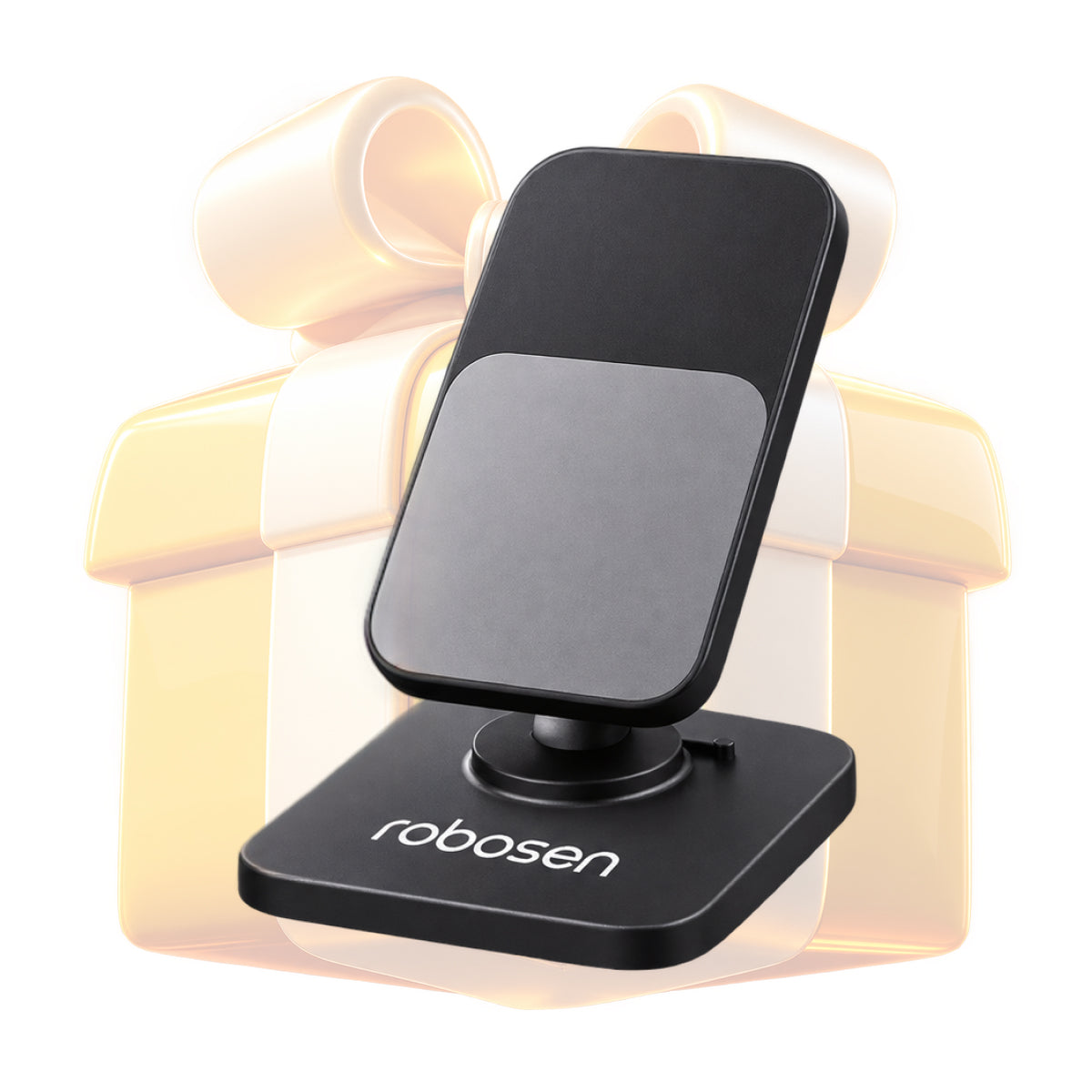
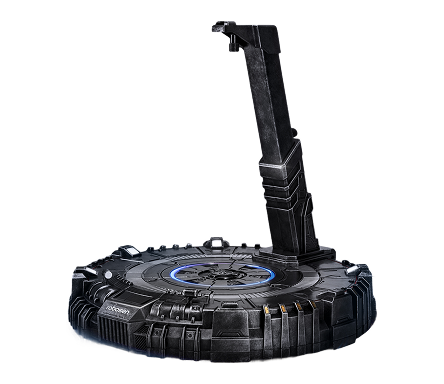
Robosen Phone Stand
Services and Benefits
24/7 Support
14-Day Returns
1-Year Warranty
1. 24/7 Customer Support
Our experts are always here to help.
Reach us anytime via live chat or email.
Chat with us
Email:
support@robosen.com
2. 14-Day Return Policy
Eligible products may be returned within 14 days.
Learn more about our
return and refund policy.
3. 1-Year Free Warranty
All Robosen products include a 1-year limited warranty.
Learn more about our
warranty coverage.
An optional
2-year extended warranty
is also available.

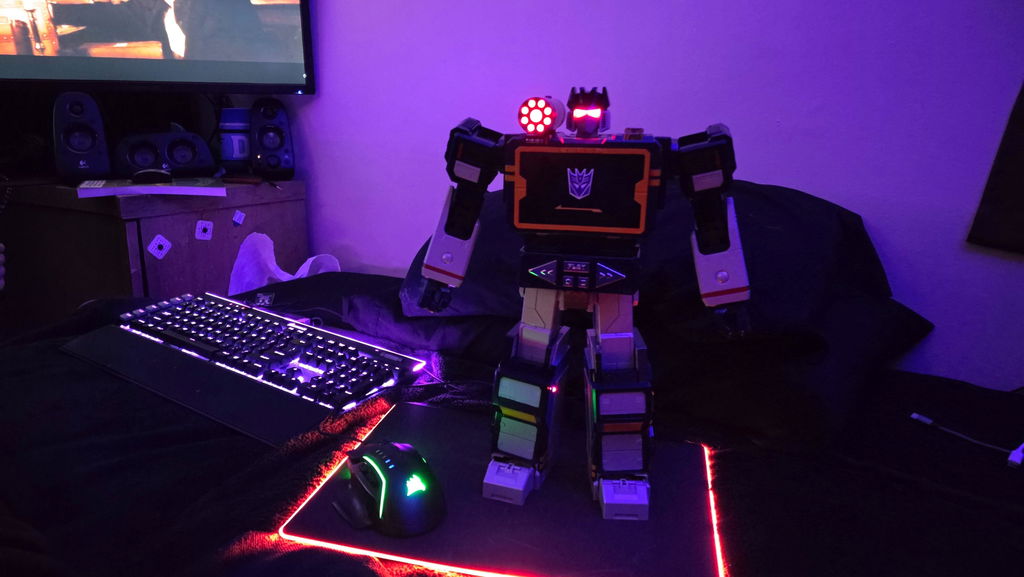
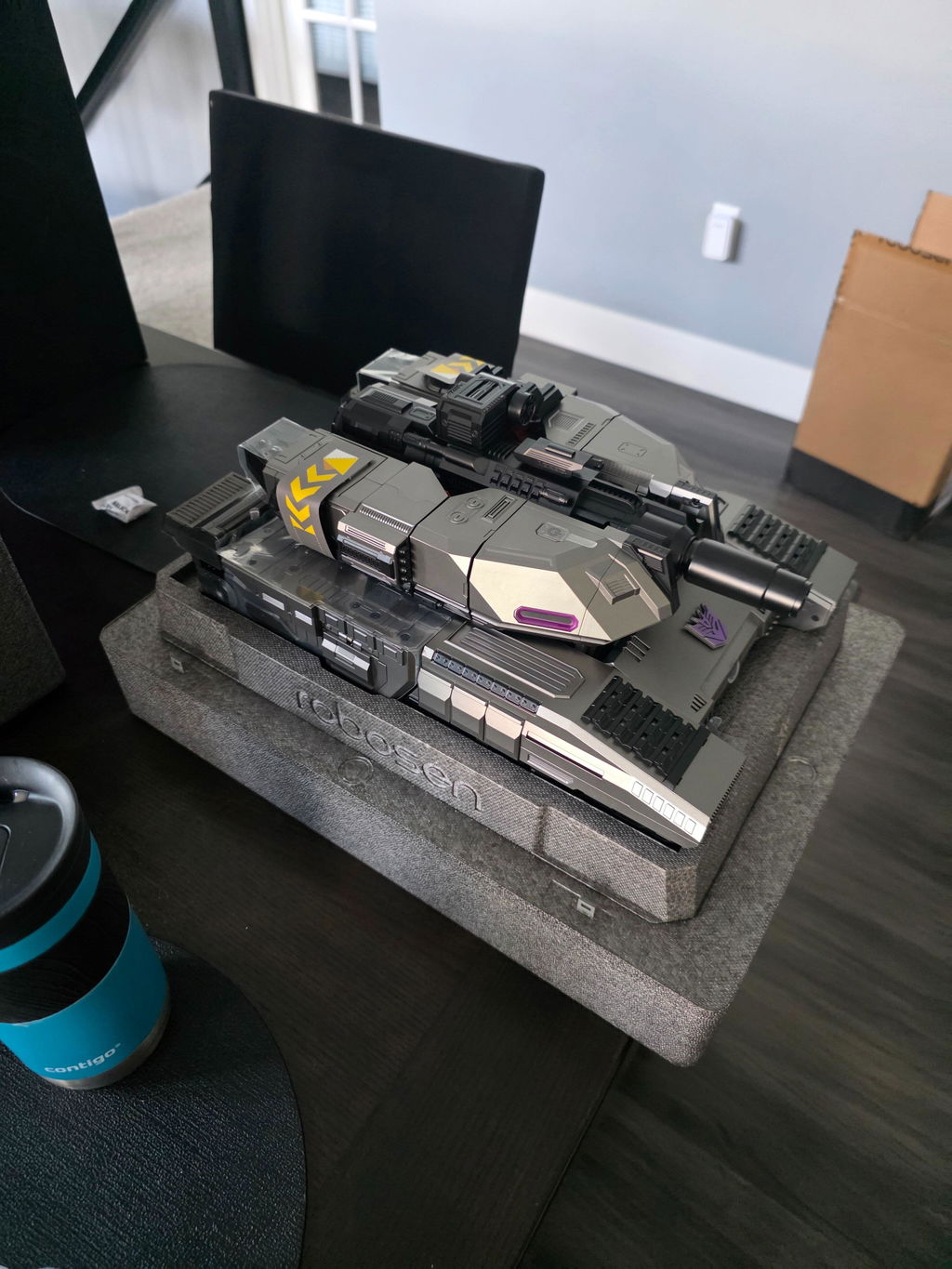
Product demos, creator reviews and fan videos.
@lordpolski

CNET

Insert Richie

@robosenofficial

KhanFlicks

Jake Myers

Medy Renaldy

MechaZee Reviews
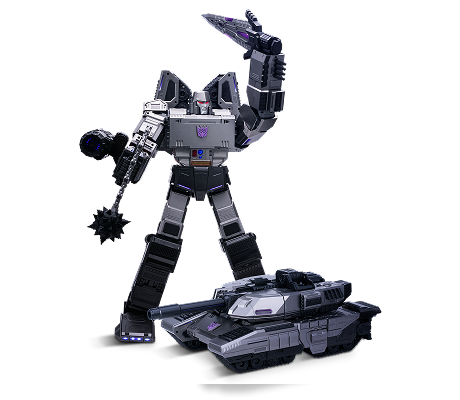
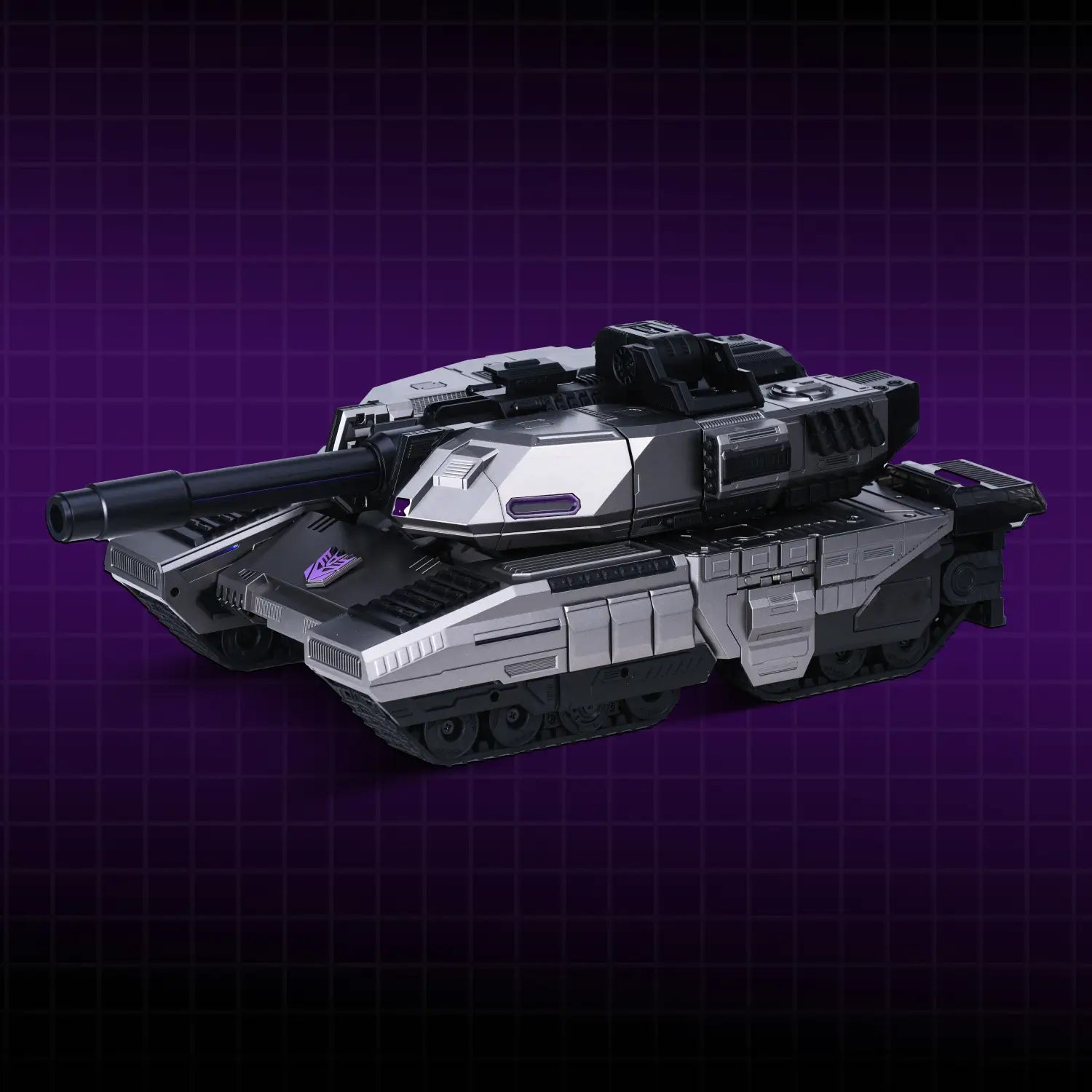
The World's First Auto-converting Dual-form Dipedal Walking Robot
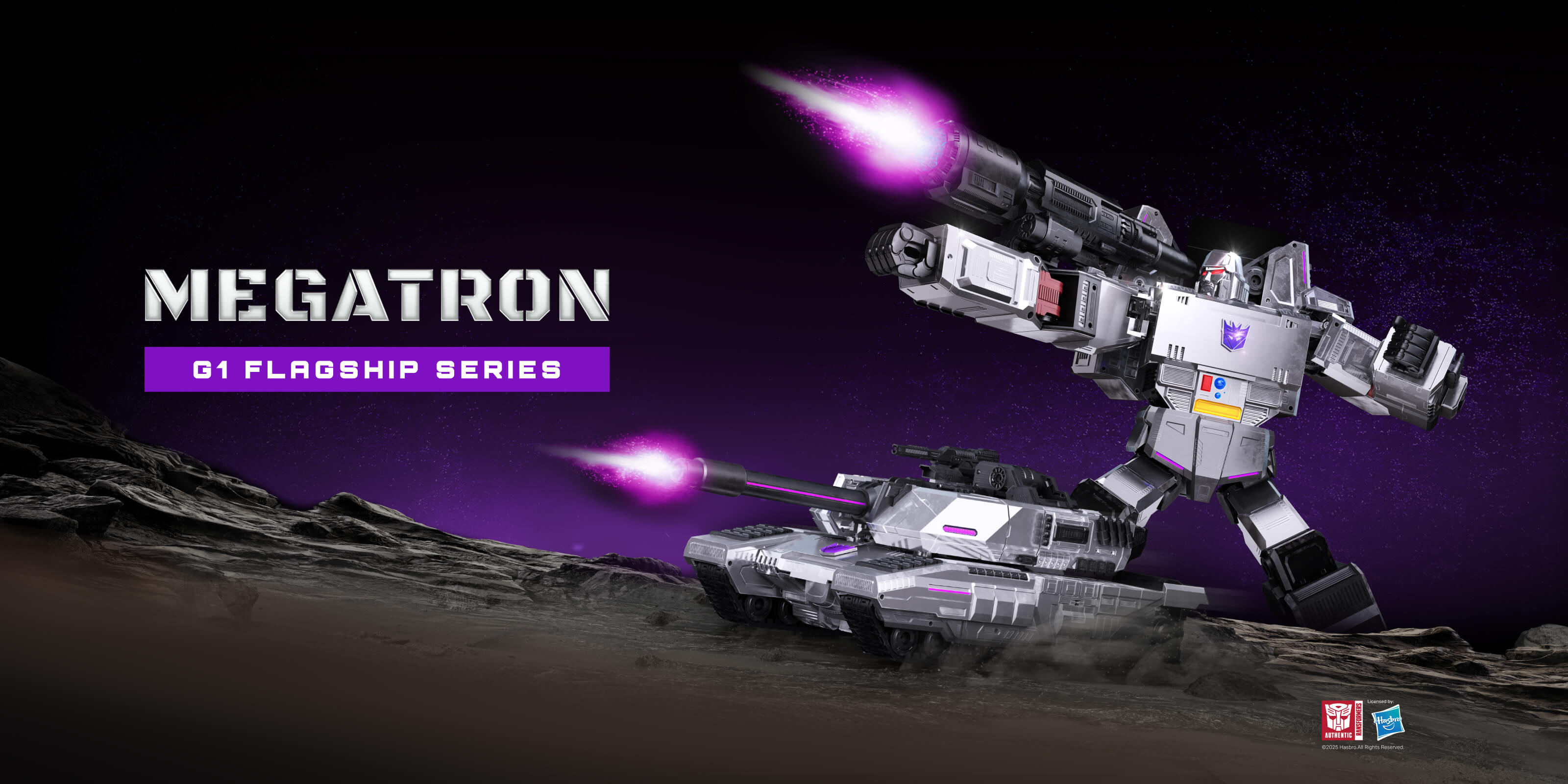
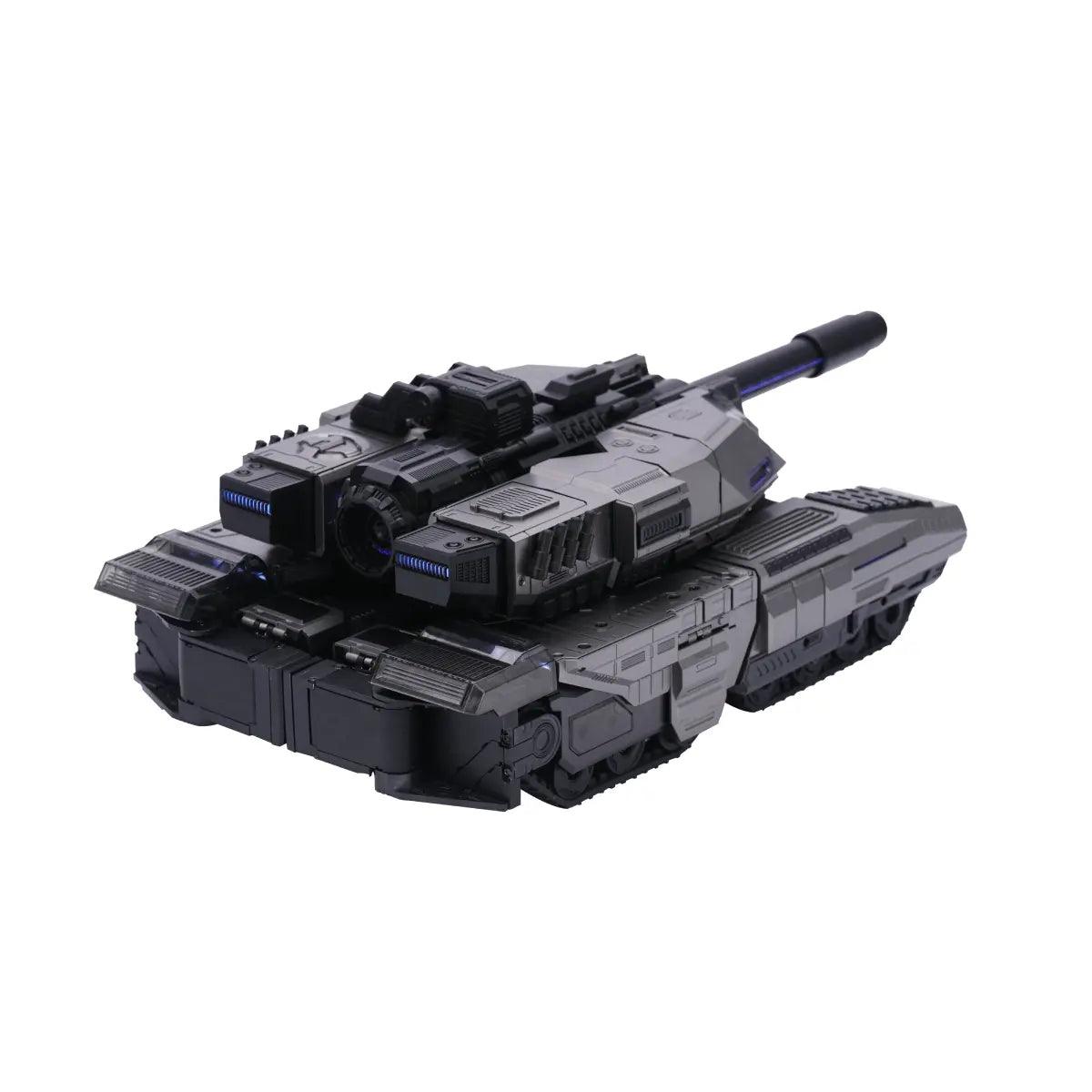
See how it auto-convert between two modes.

Robot

Tank
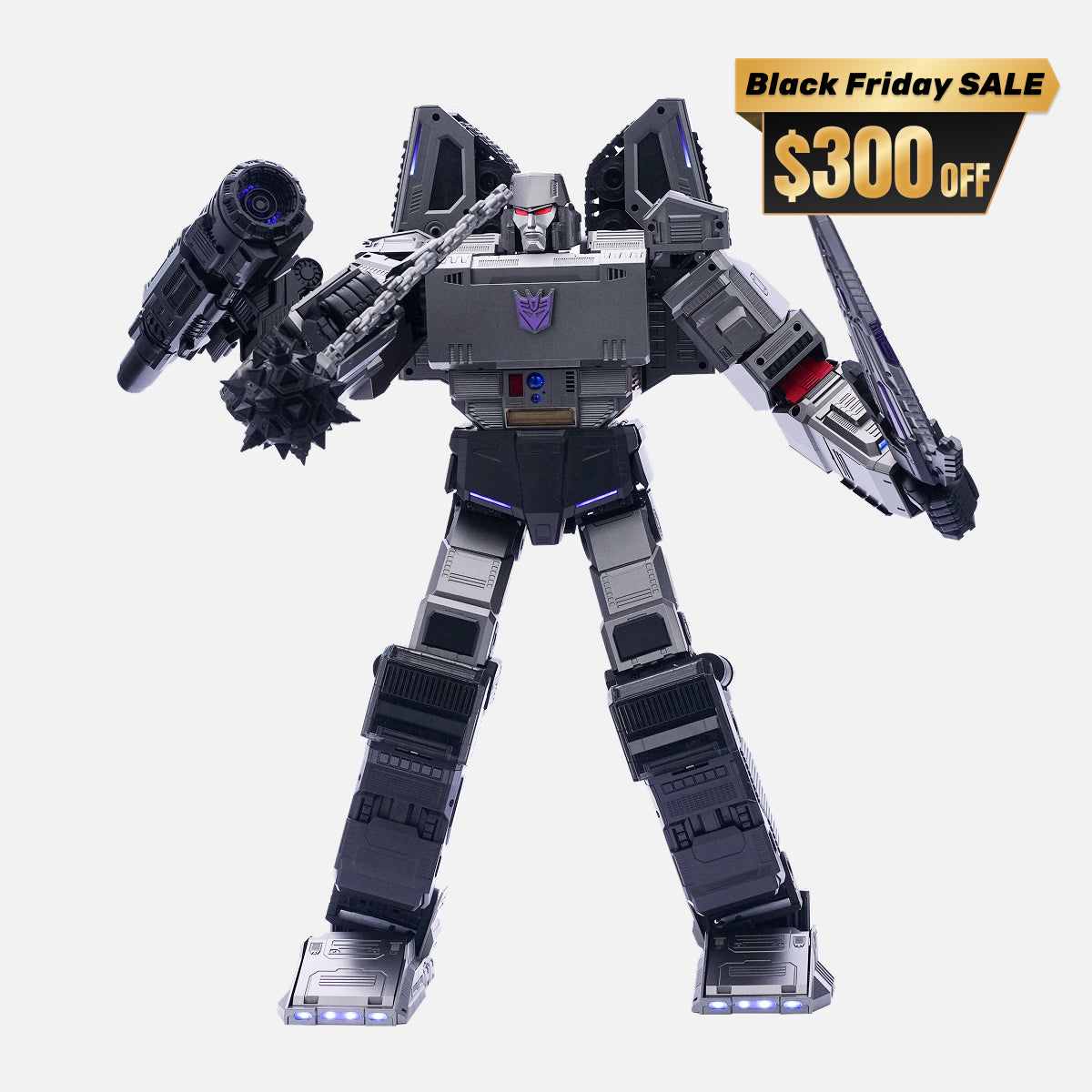
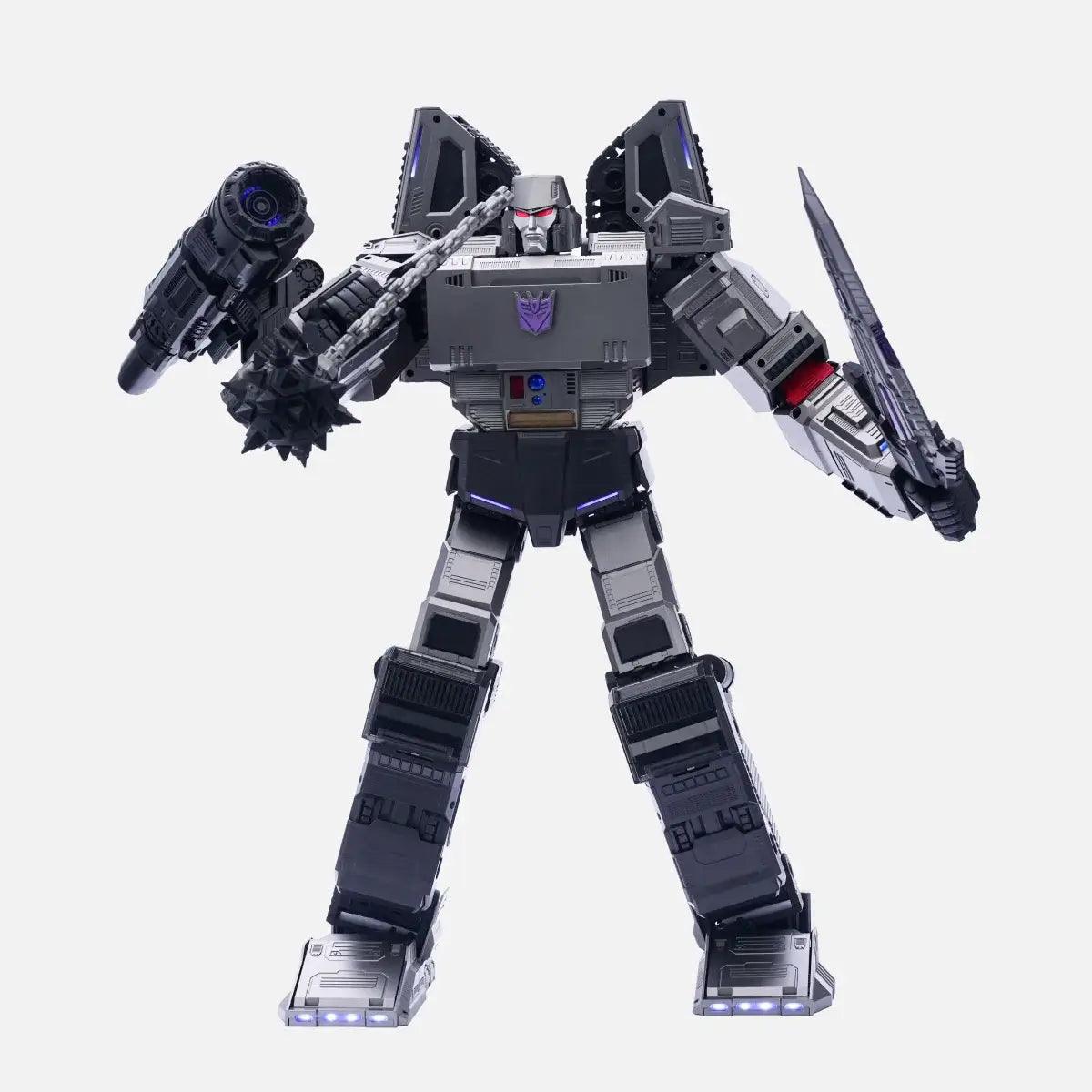
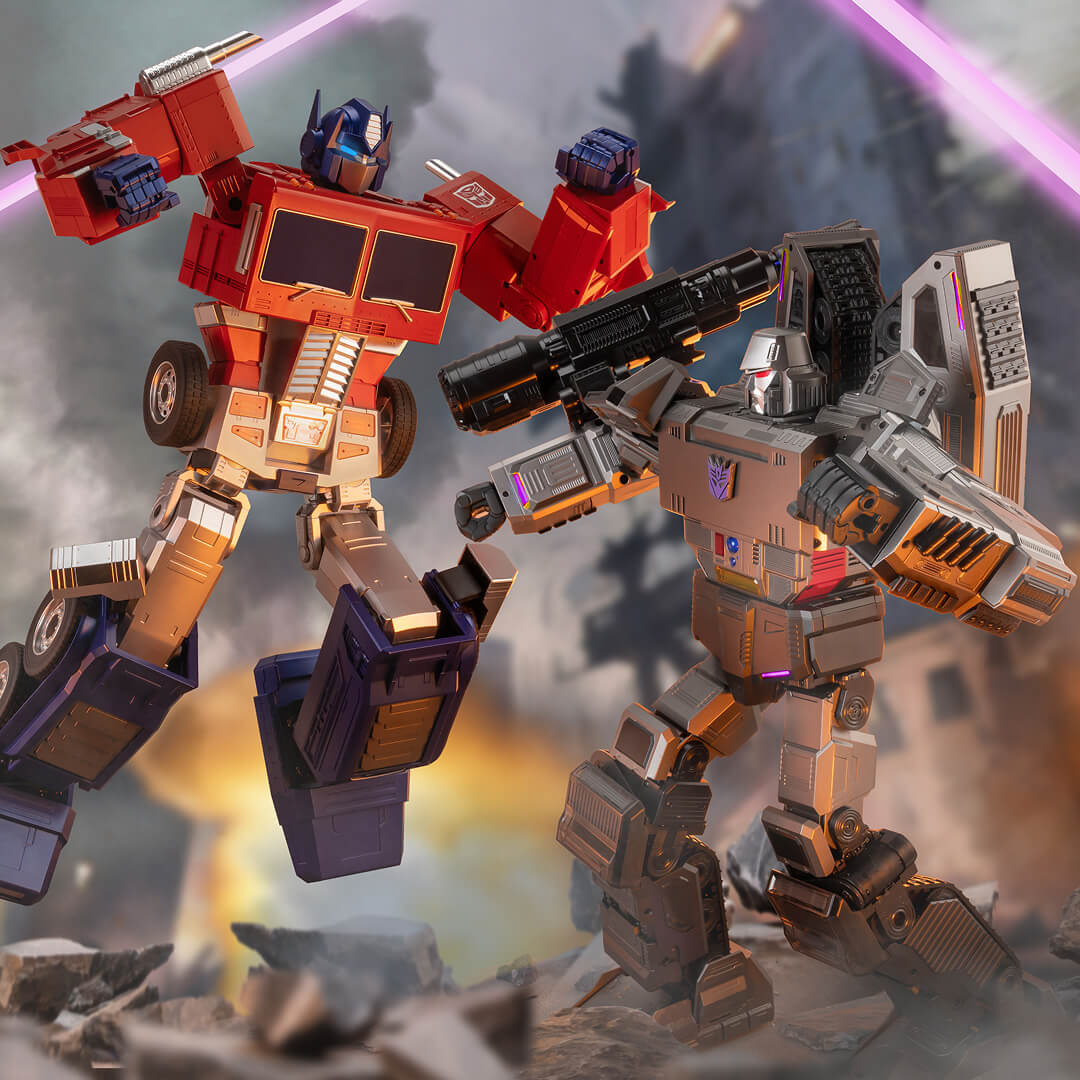
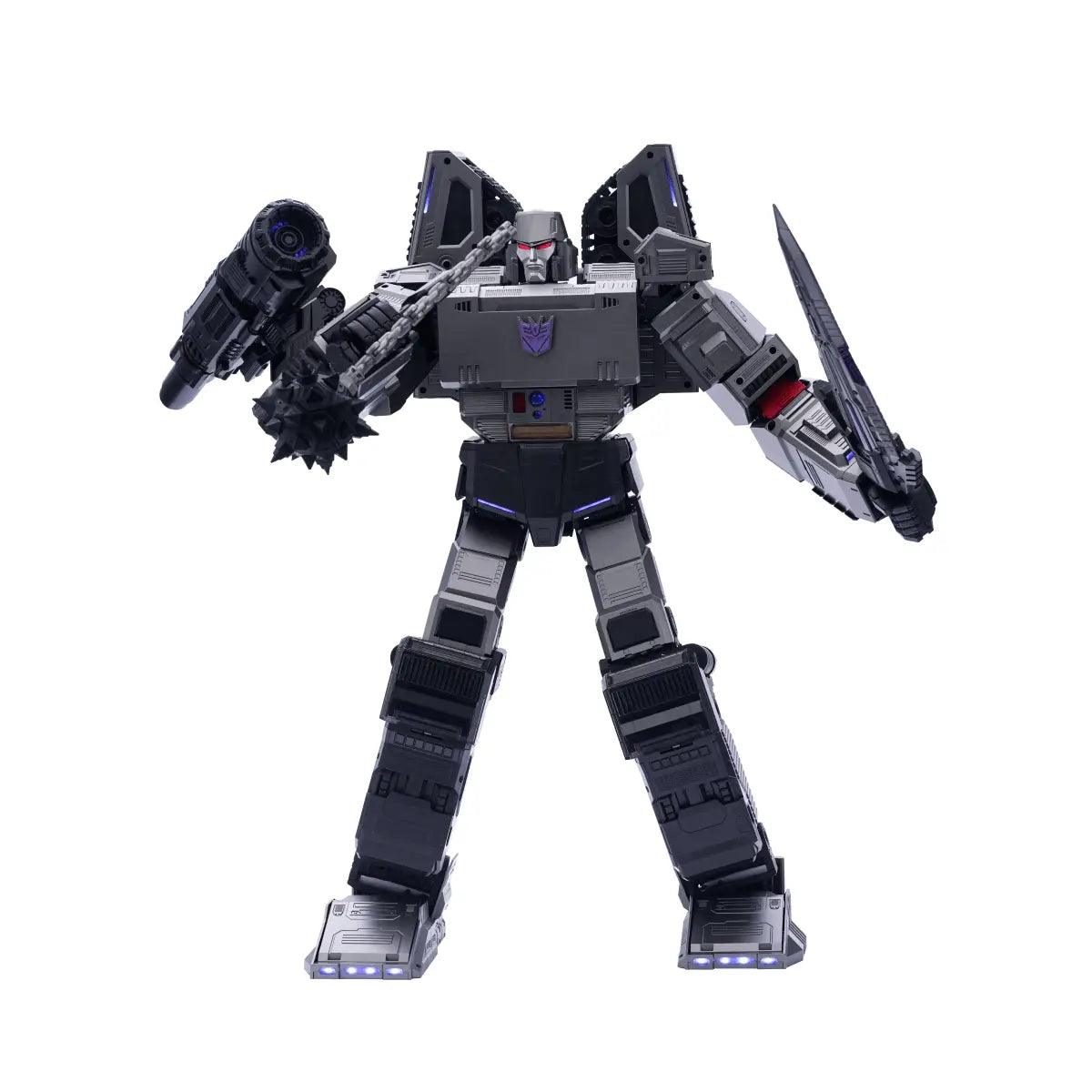
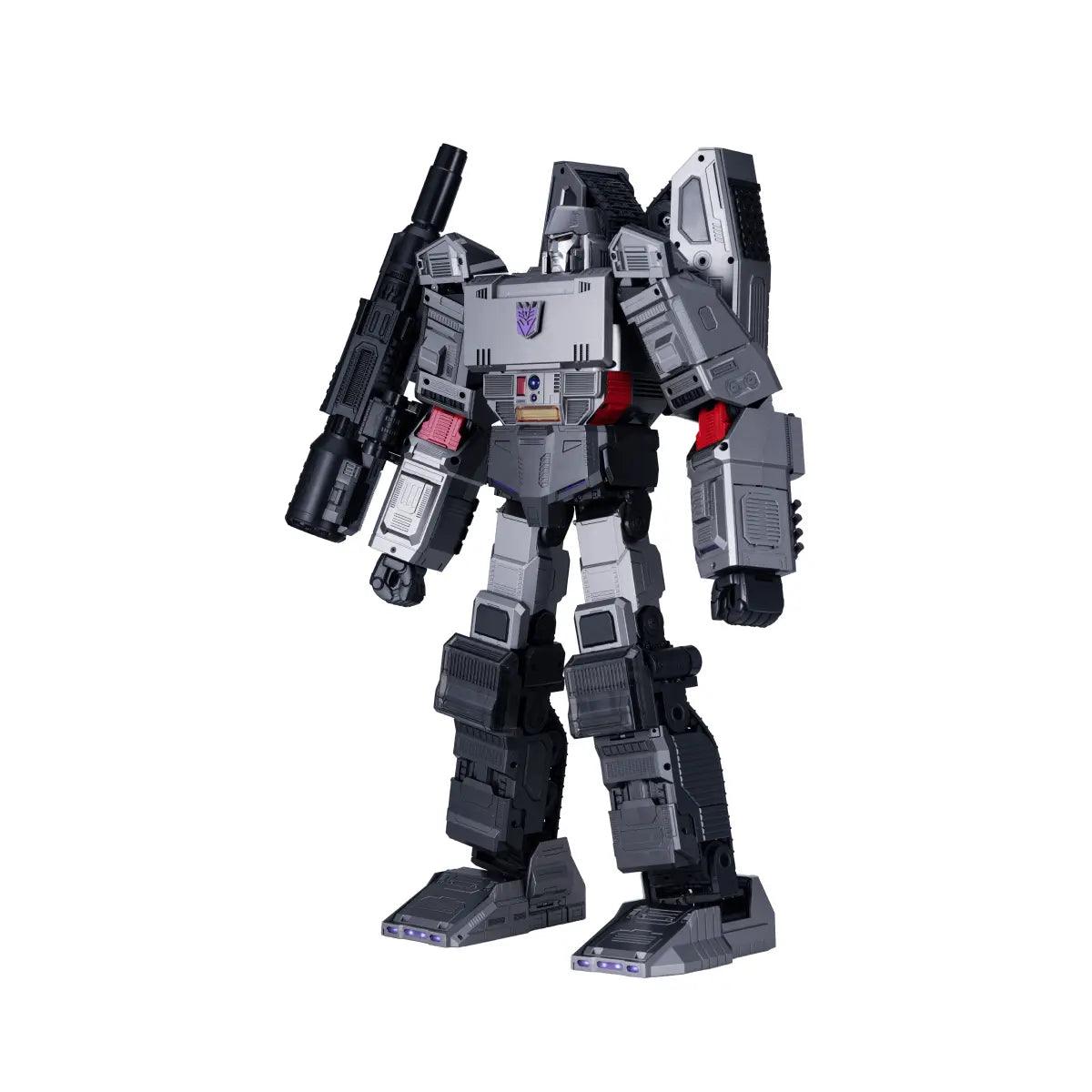
Megatron's Authentic Styling
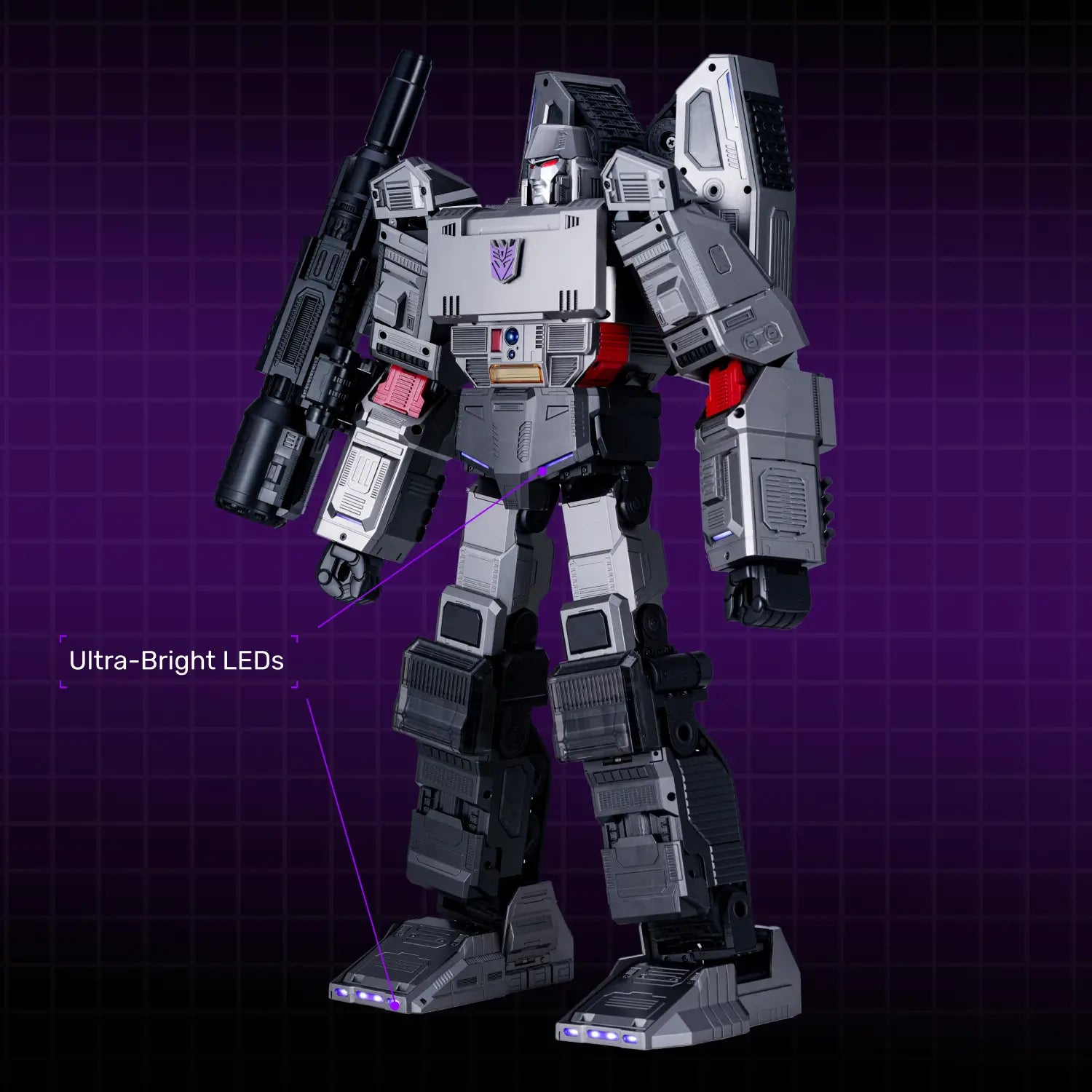
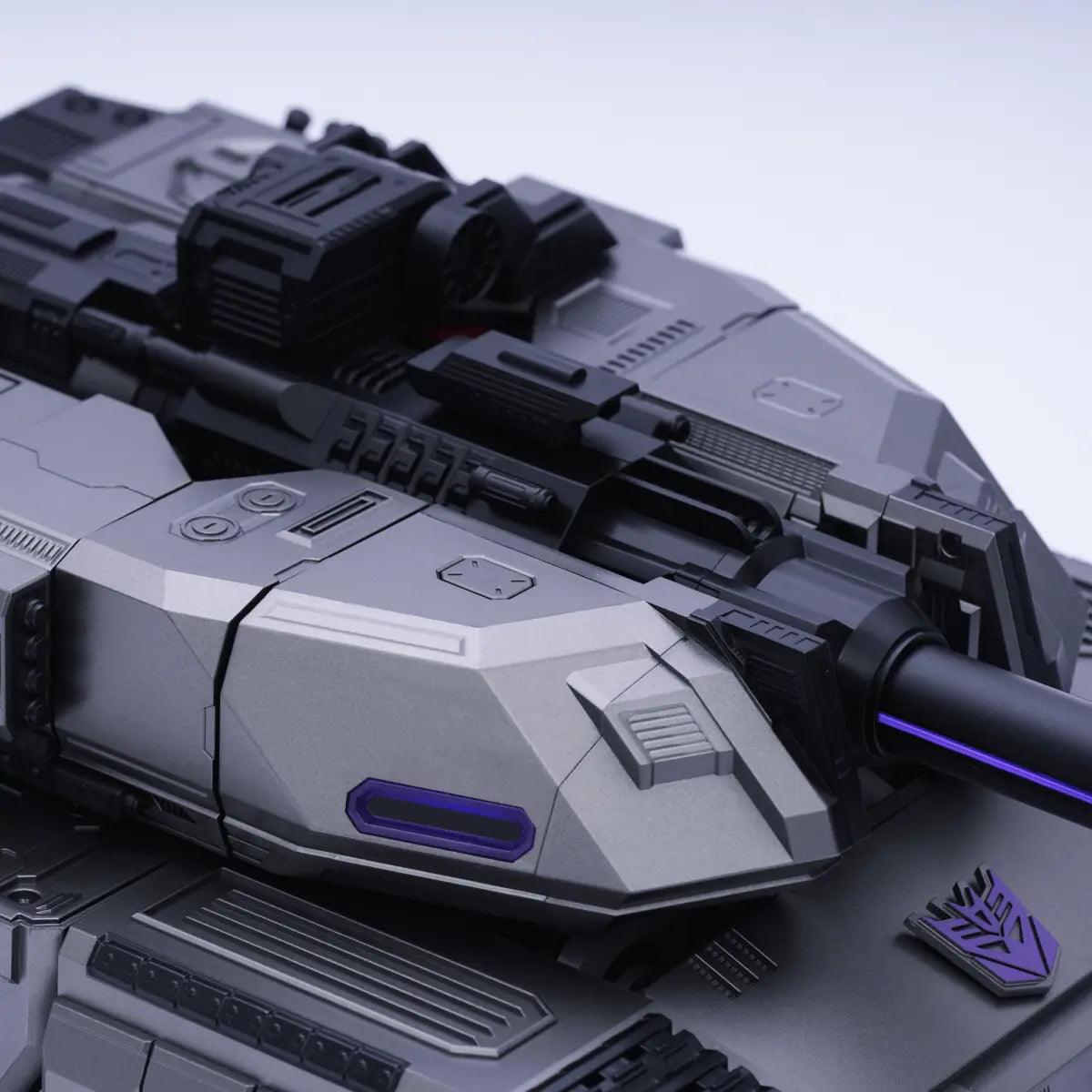
Ultra-Bright LED
112 ultra-bright LED lights illuminate Megatron with stunning blue and violet accents throughout for the most realistic and authentic looking Decepticon leader on the market.
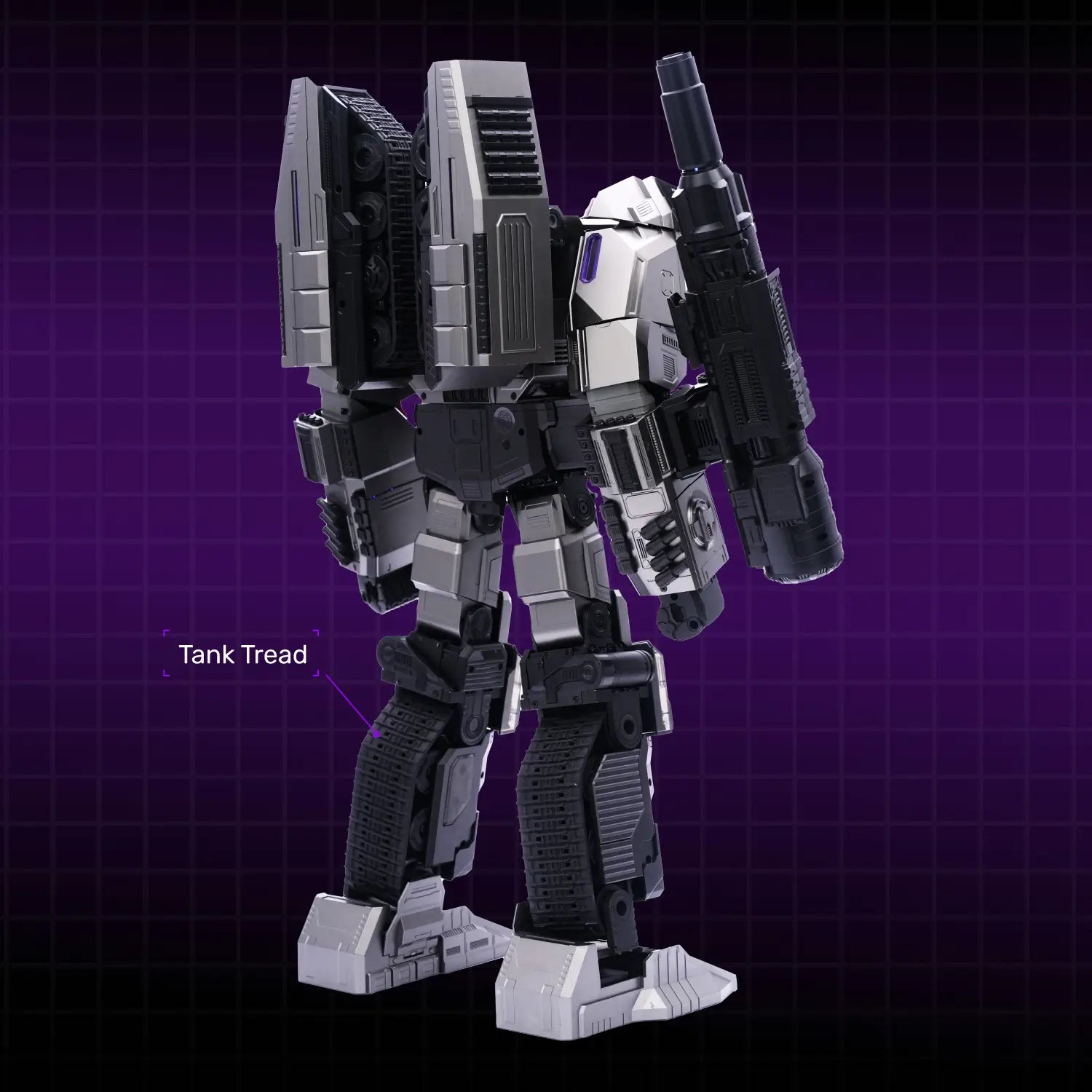
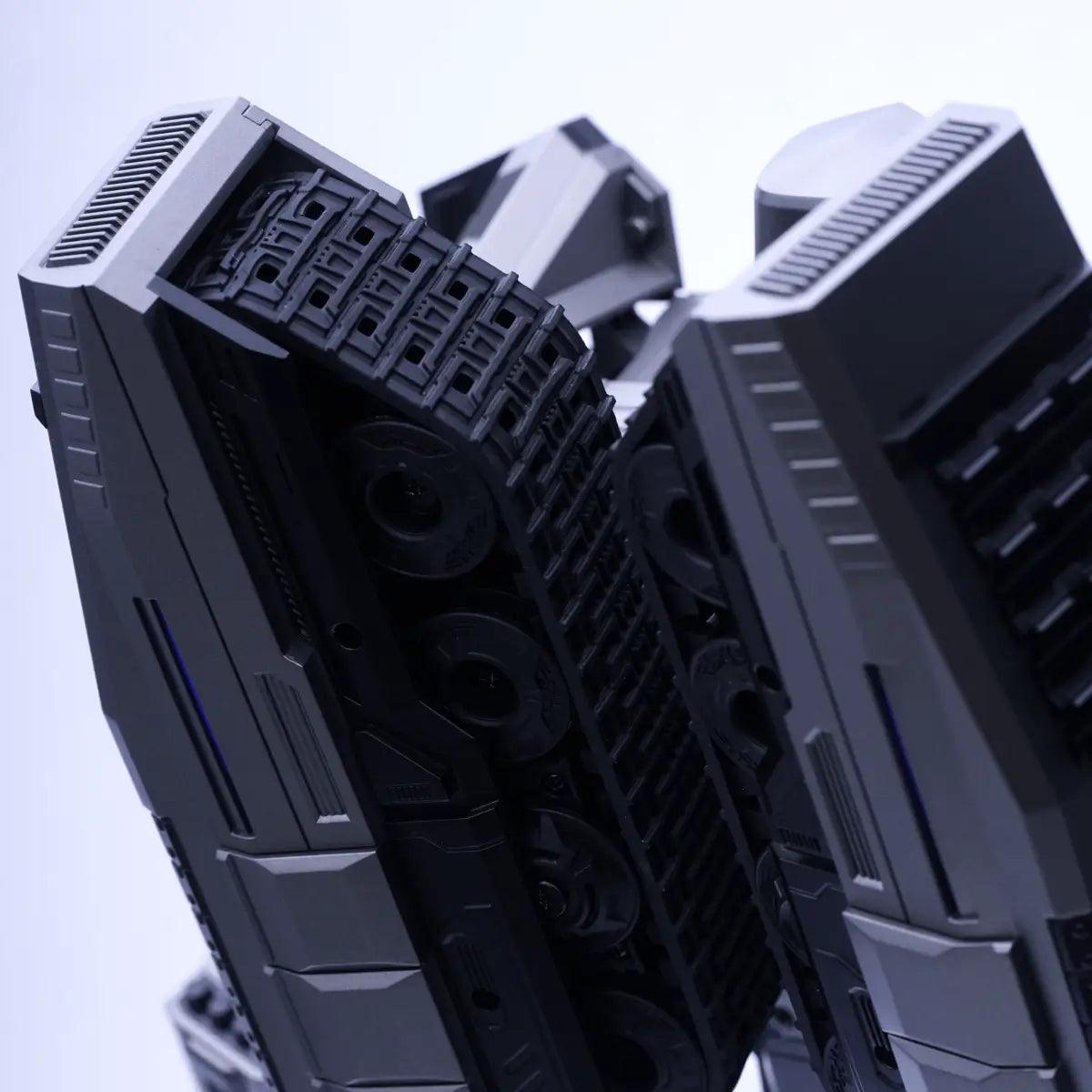
Embeded Track Design
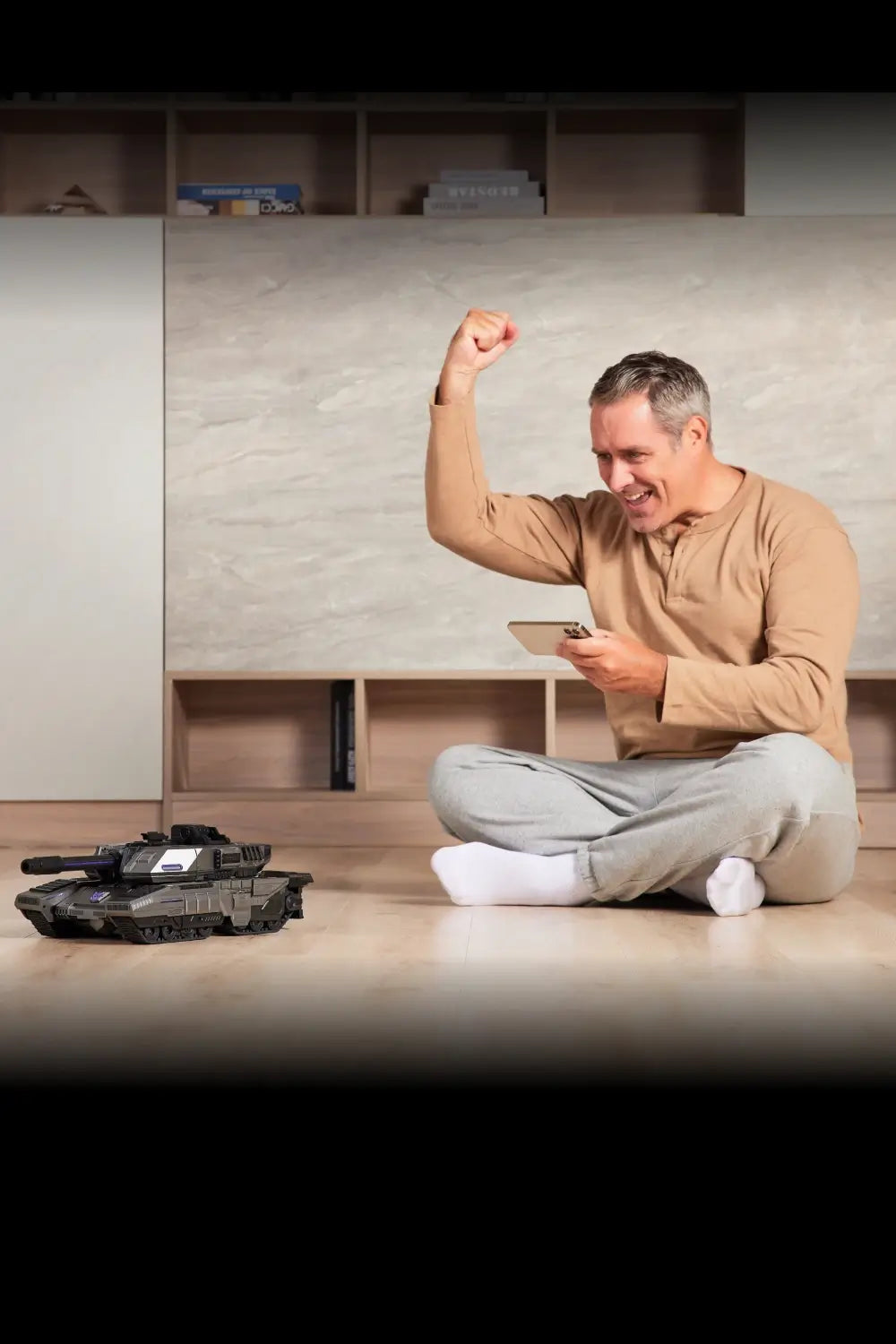
Inspired by real life tank tracks and axle structures, Robosen's Megatron delivers exceptional climbing performance, off-road abilities, and pivot turns all while in Tank mode.
A Brilliant Metallic Finish
Crafted from a specially designed alloy of a deep silver-gray, reflecting the ruthless character and sinister nature of the Decepticon leader.
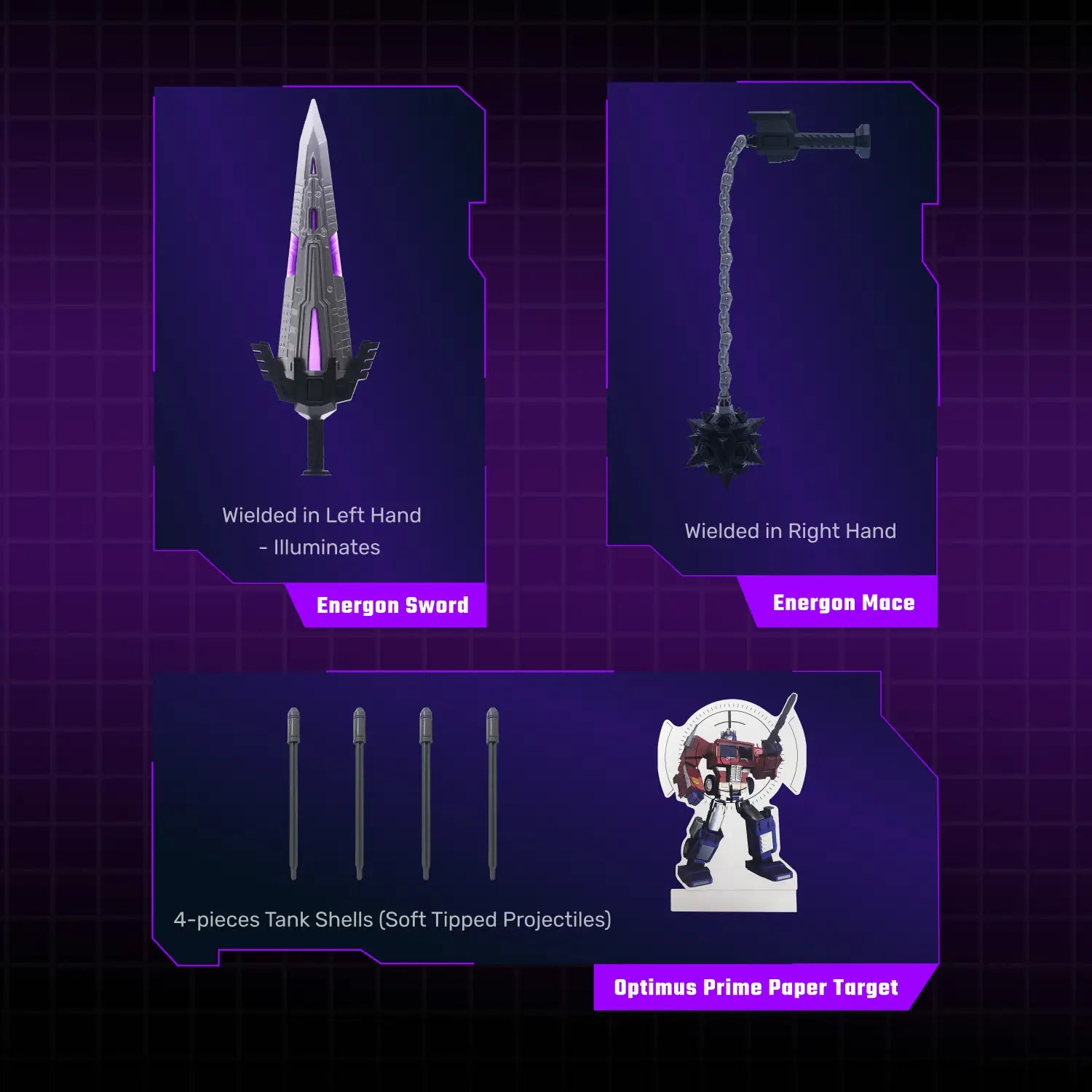
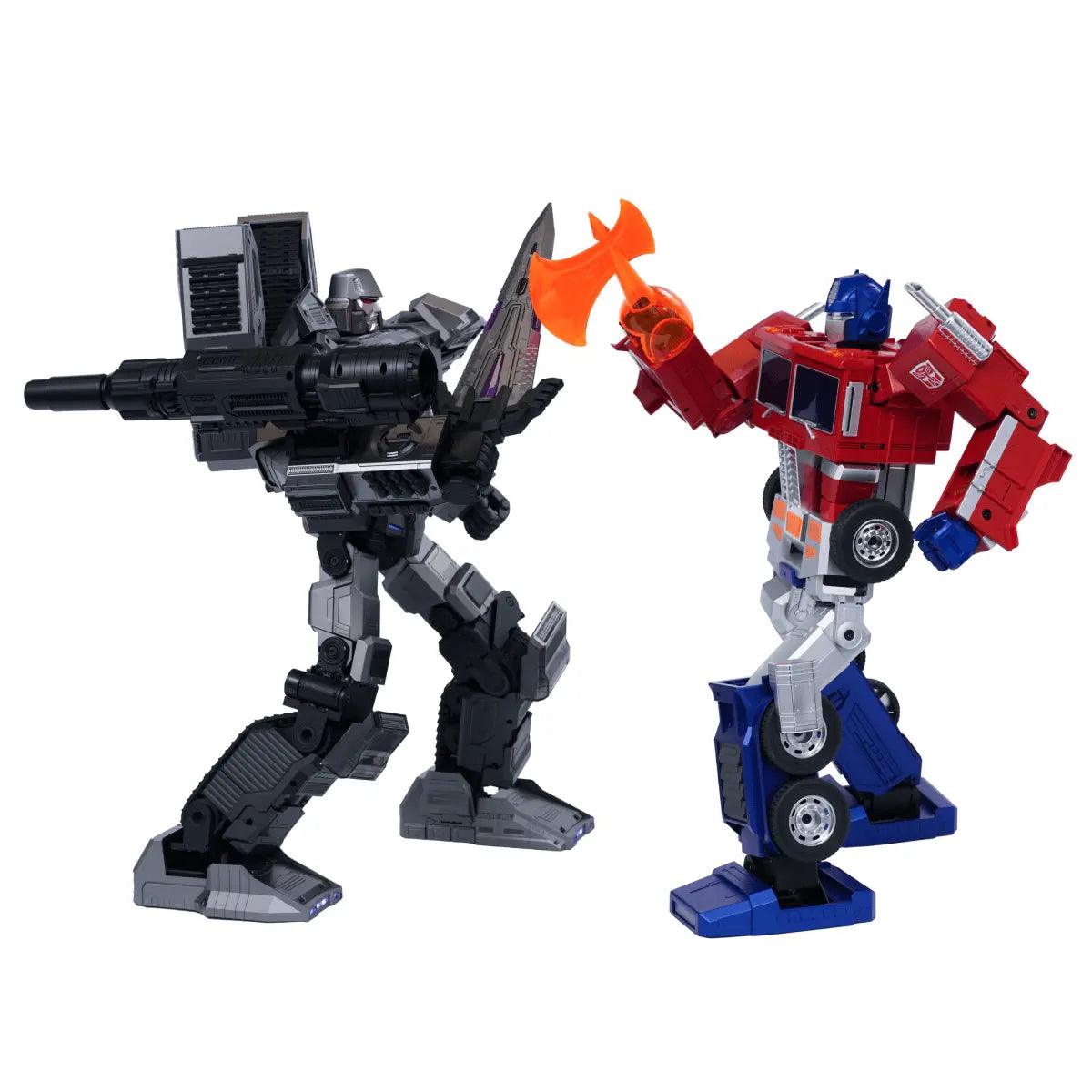
Beautifully Crafted Arsenal
Megatron flexes in any battle with an unrivaled arsenal of weapons for close combat, or to destroy the enemy at a distance.
Five Programming Modes
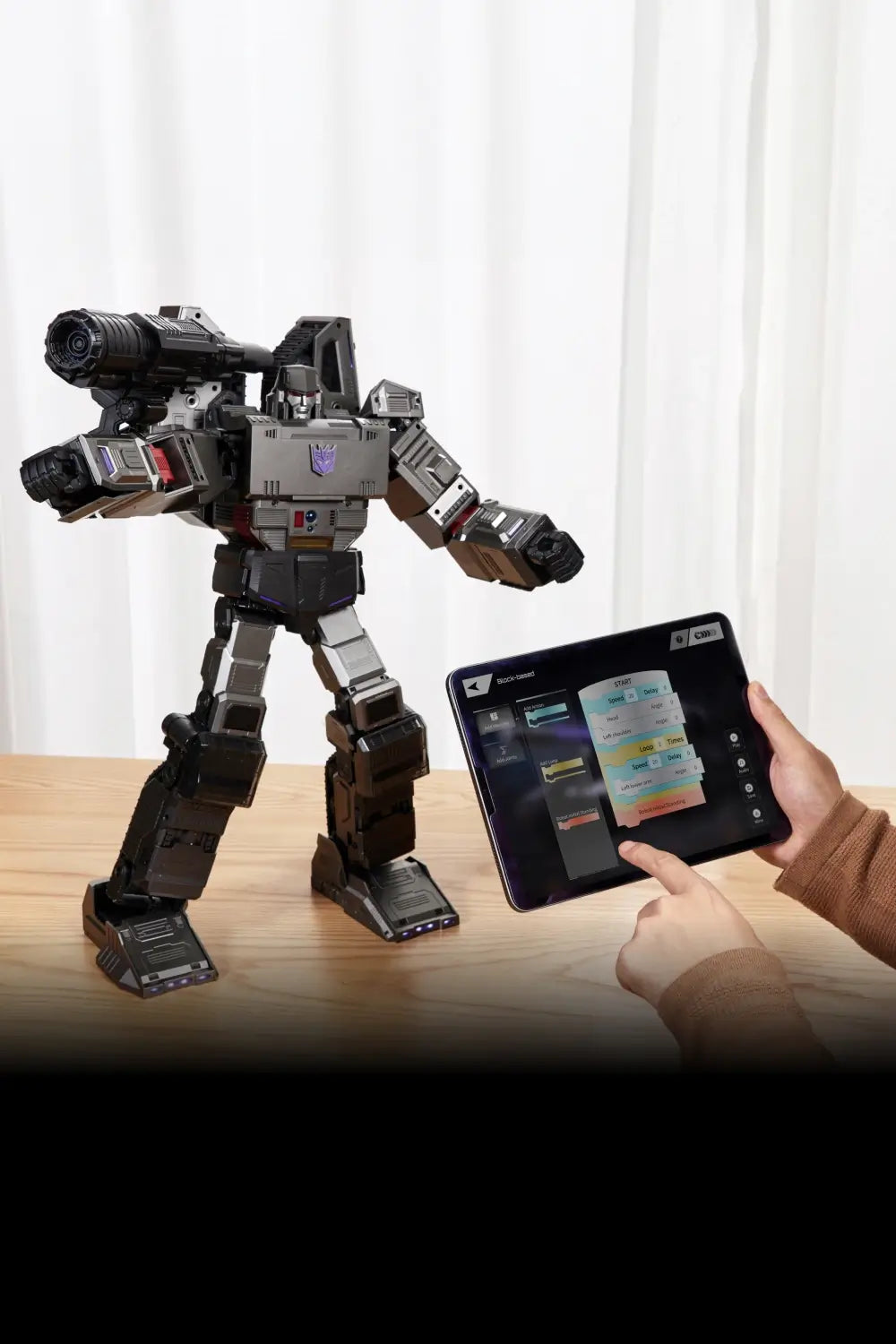
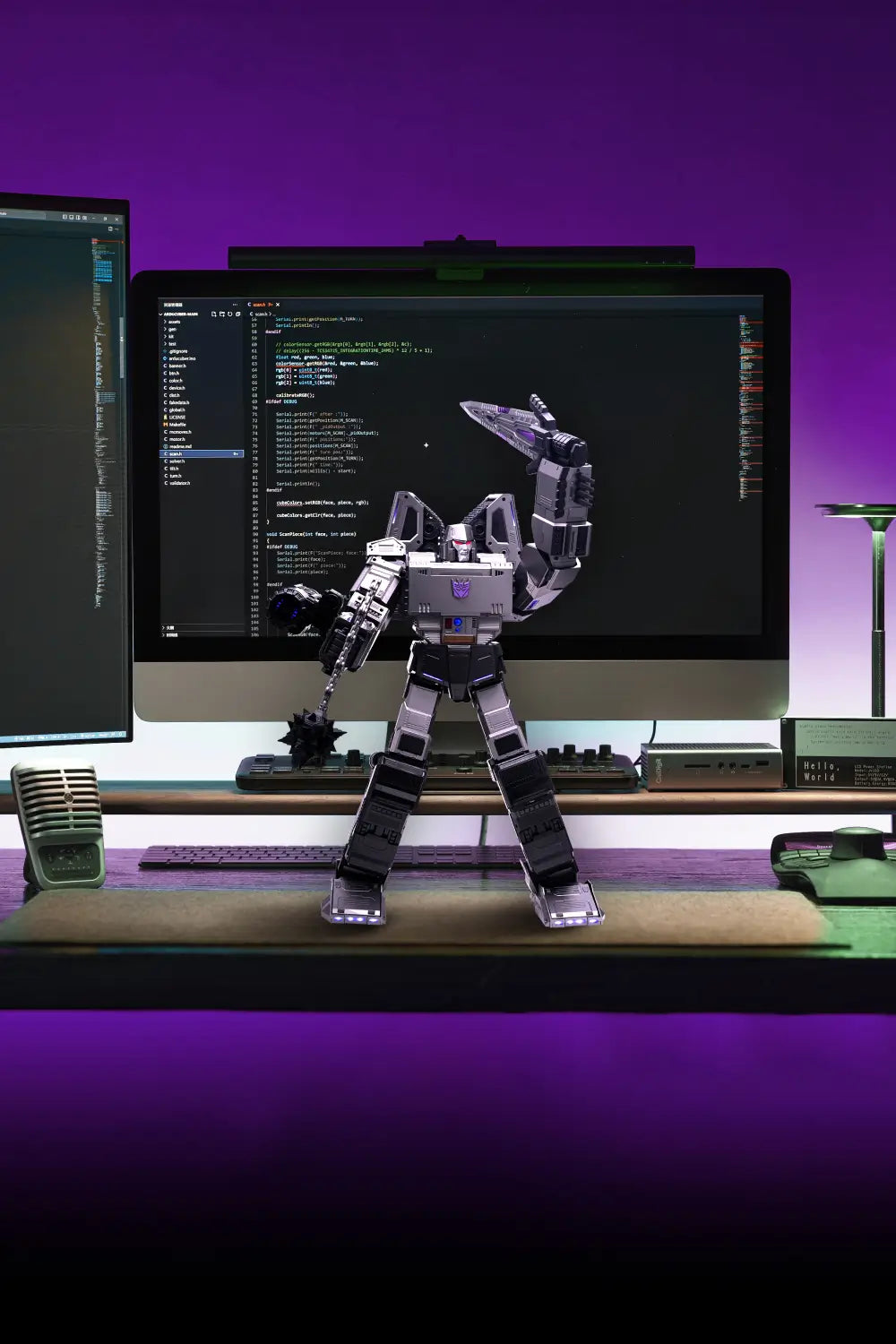
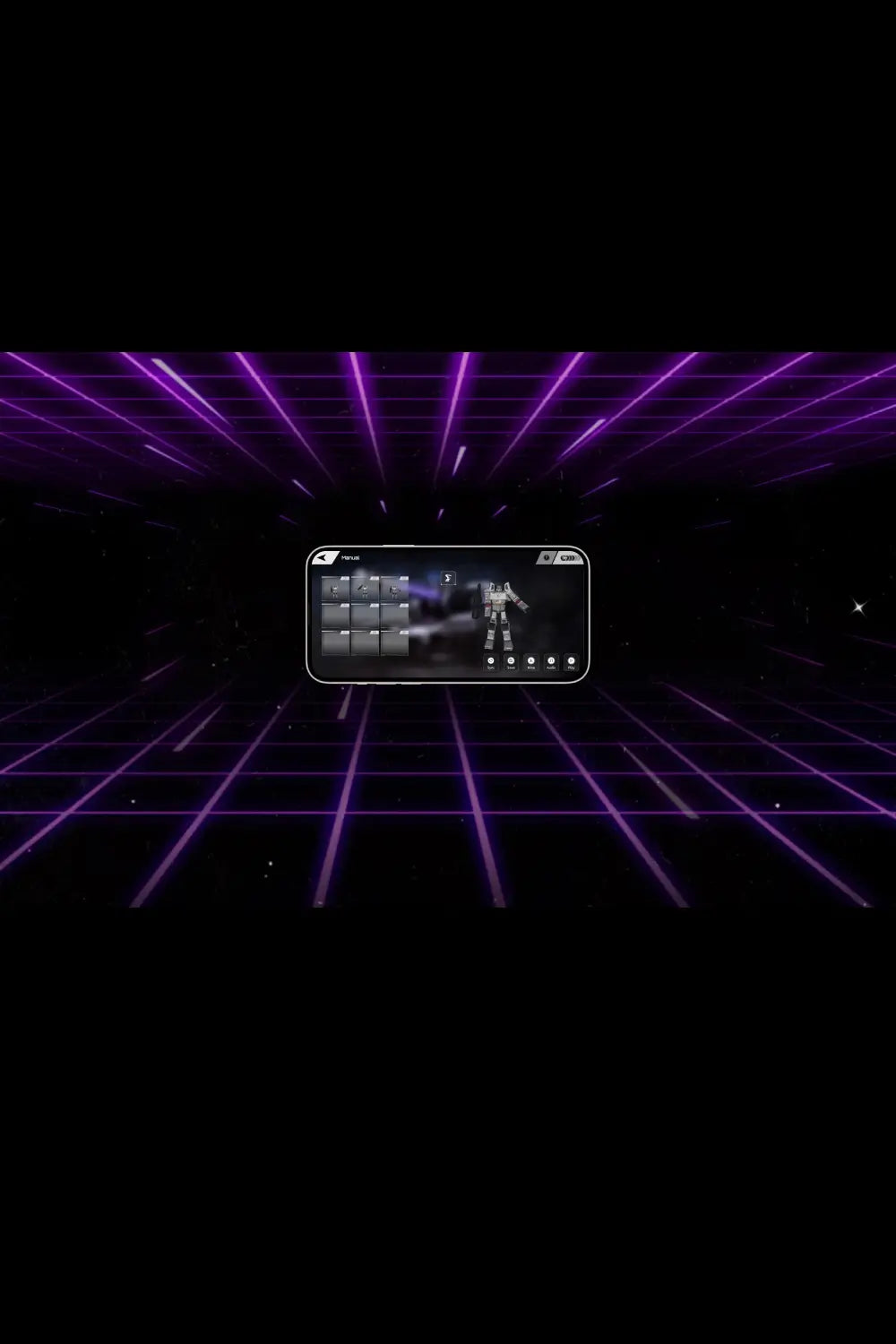
Choose from Block-Based / Voice Activated / Manual / Easy & PC programming modes to unleash your creativity.
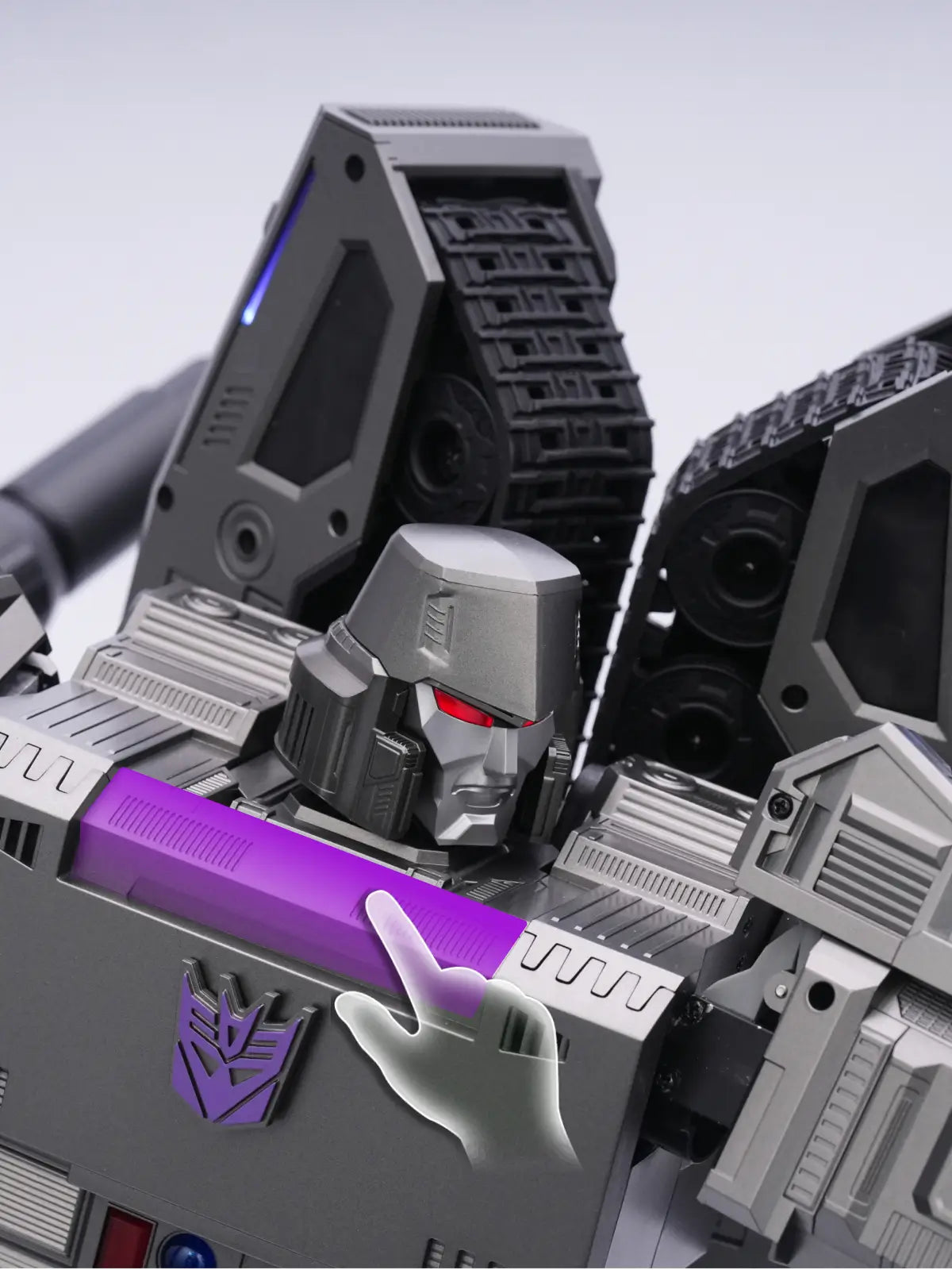
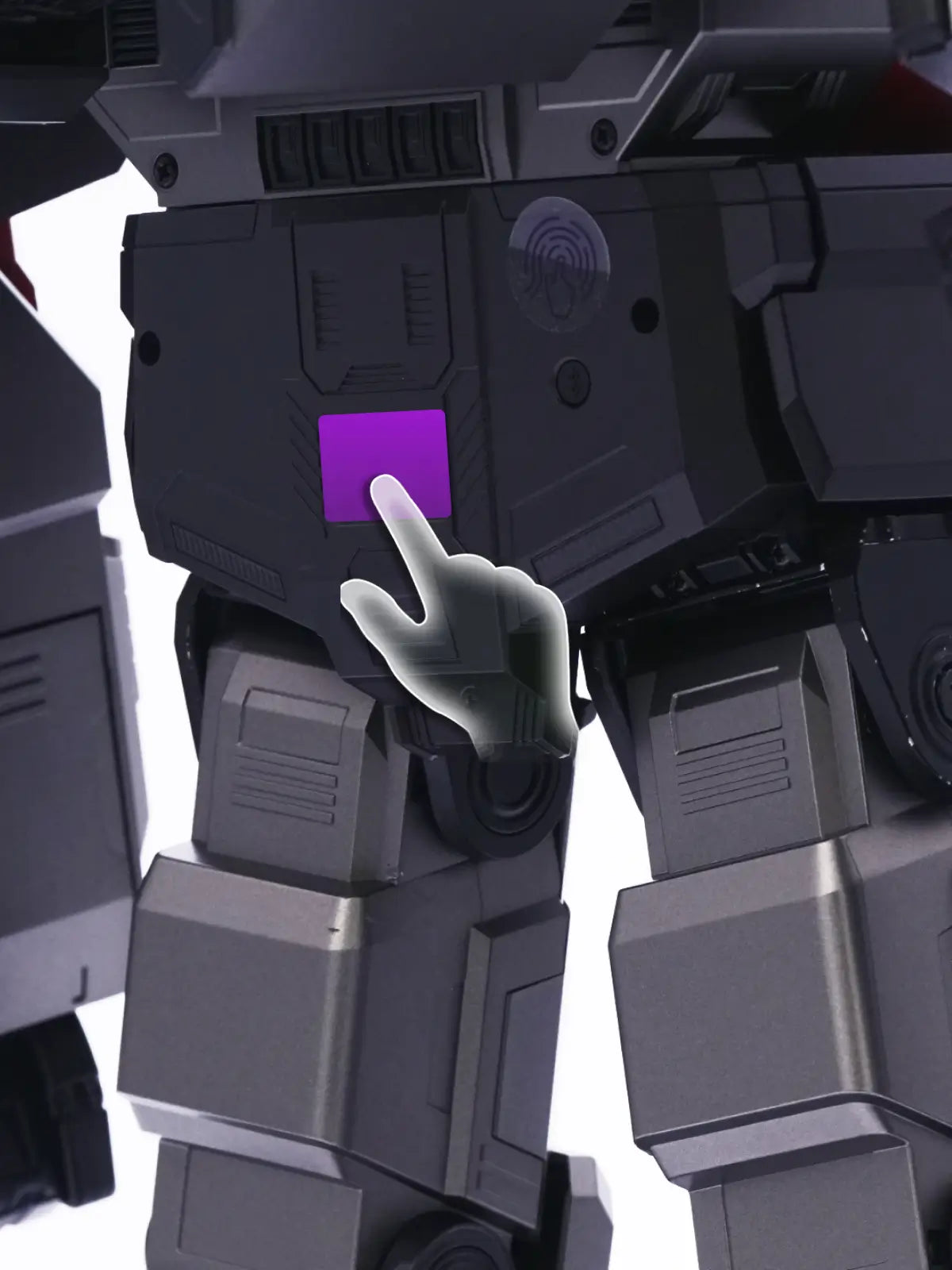
Exclusive Touch Response Feature
An Immersive Experience Via Voice Command
Interact with the REAL Megatron with exclusively recorded lines from the original G1 voice actor - Frank Welker
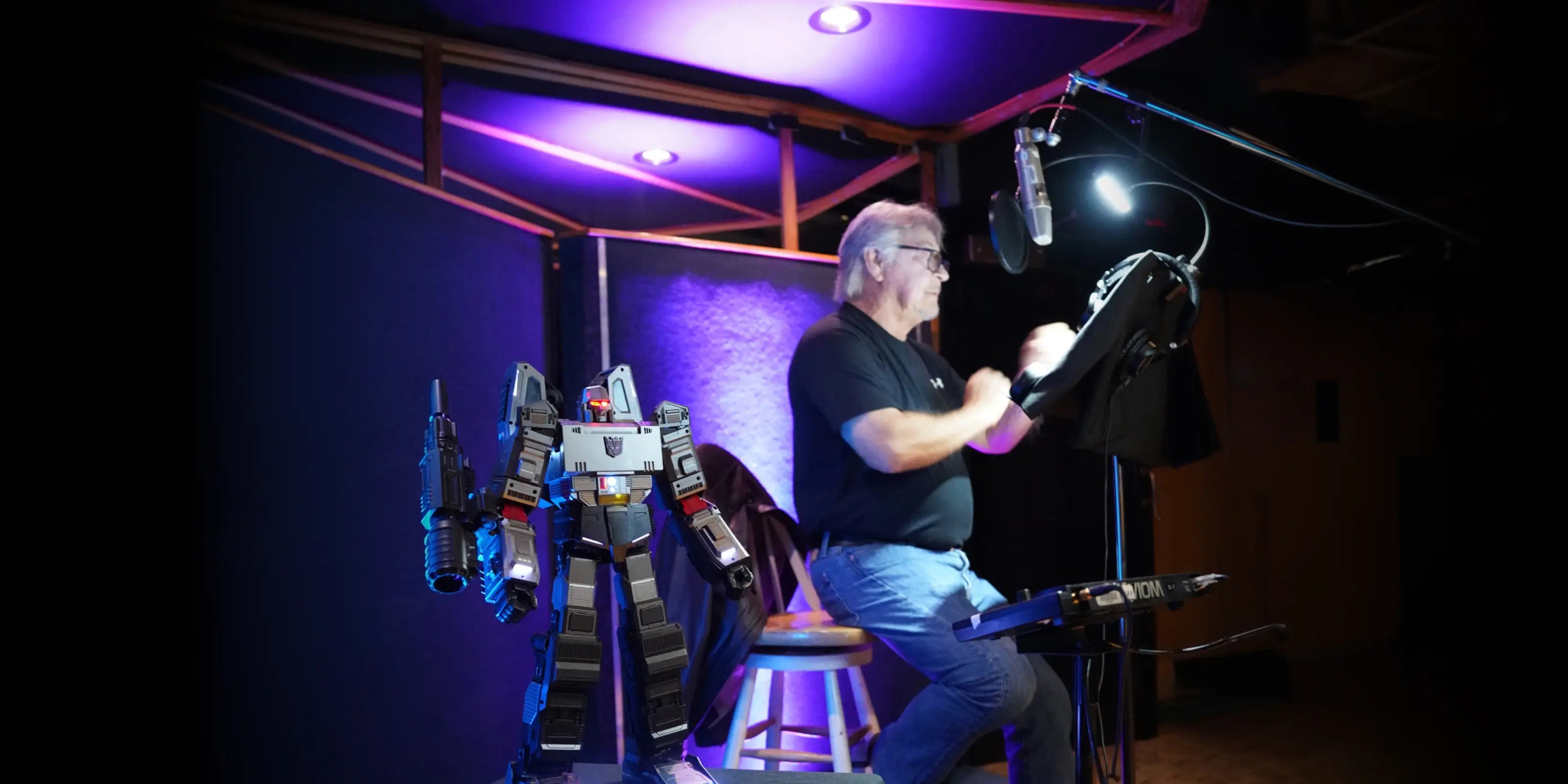
Megatron Video: Global Influencer Reviews in Action
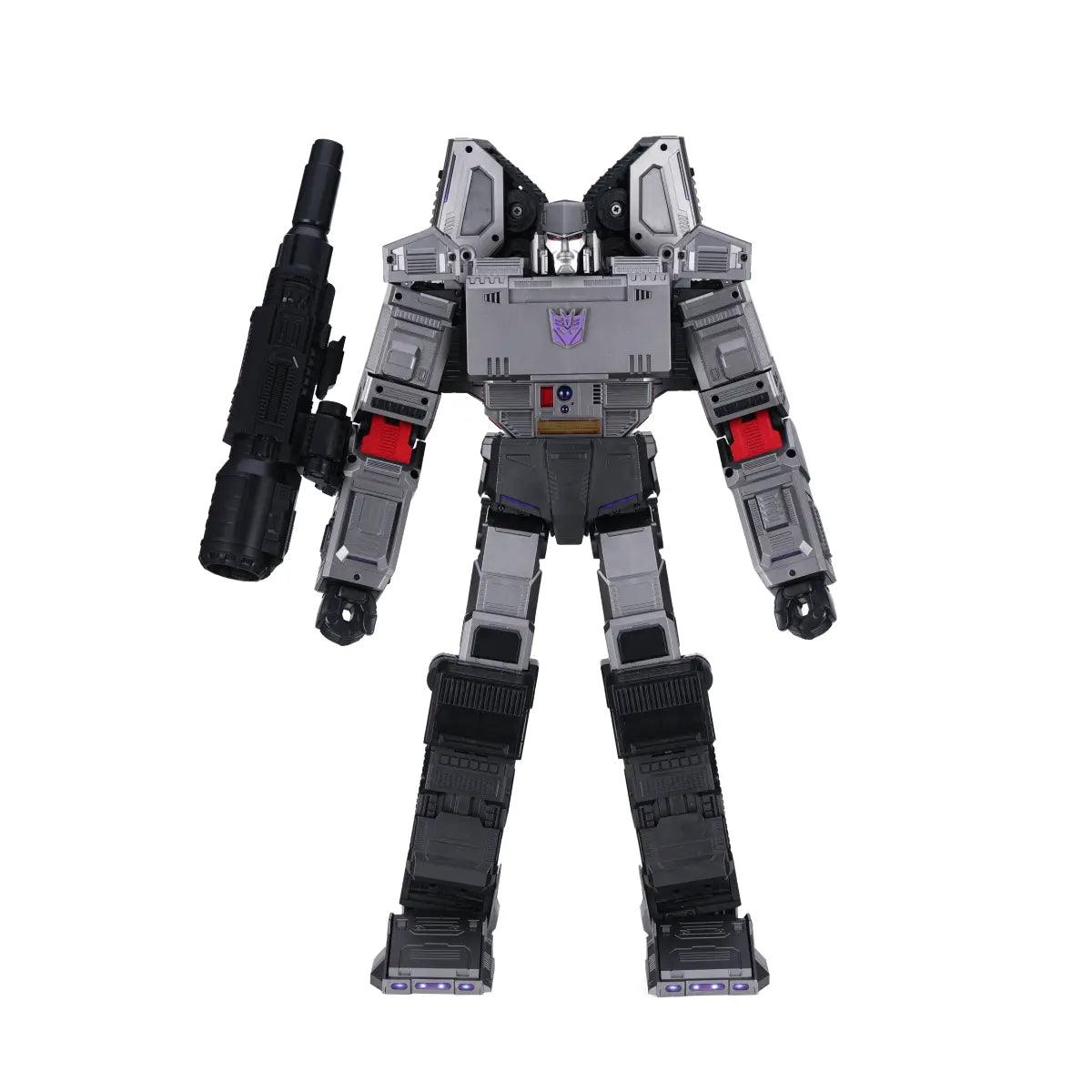
What's in the box

6.6 x 13.9 x 20.6 inch
17.3 x 9.1 x 6.0 inch
8.4 lb
ABS, PC, PA66+30% GF, aluminum alloy, etc.
36 pcs
2700 mAh
11.1 V
118 pcs
BLE 5.0
80-90 min
Input: 100-240V ~ 50/60Hz 0.8A
Output: 5V⎓3A / 9V⎓3A / 12V⎓2.5A / 15V⎓2A / 20V⎓1.5A
Power: Max. 30W
Robot: 5cm/s
Tank: 10cm/s
Type-C
Voice & App Control
90 min
Robot: 80-85 min
Tank: 90 min
Ensure that the robot is in an environment without a lot of sound interference.
Use preset voice commands to wake up or control the robot.
For details, please refer to the voice command table in APP or instruction manual.
Ensure the robot is used on a smooth surface with low friction. If the problem persists after multiple restarts, please contact after-sales support for help.
Ensure the robot is fully charged; press and hold the power button until the robot finishes its prompt, then releases the power button.
Make sure to use the original adapter. Plug the adapter into the robot and connect it to the power source. The adapter's red light should stay on while charging, and turn off when the robot's battery is fully charged.
Ensure the robot is turned on and not connected to other mobile phones. Make sure Bluetooth is enabled on your phone or tablet, and all permissions required by the APP are granted.
When the red light turns off, it indicates that the battery has reached the standard usage level. The charging time is approximately 90 minutes, and the operational time is around 100 minutes.
Please restart the robot and ensure it is used on a smooth surface with low friction, and it's not obstructed by any obstacles.
Please restart the robot first. If the problem persists after several restarts, please contact after-sales support for help.
Please connect the APP to check if the robot's volume has been turned down.
The firing range of Projectile is about 35 inch.
Gently touch the top of the chest plate or on the bottom back areas.
After the APP is connected to the robot, clicking this button can disconnect the robot from the APP.
Excellent robot
My brother and I played with the G1's as kids in the 80's. My mom didnt jave alot of money and we got a few for Xmas. Hard to imagine they can chamge themselves now, its just awesome, purchasing soundwave next. Brings back alot of memories.
My wife ordered one well before Christmas, no tracking and it didn’t arrive until well after Christmas when I ordered a second one as she cancelled the first order and recieved a refund
The second one won’t power up unless plugged in, but has a full battery. 20+ second reset didn’t fix the problem. As soon as it’s unplugged, it powers down. There isn’t a new replacement option available even though I’m in the 14 day window due to no stock.
I haven’t even received a response to my RMA request and had to contact support.
Terrible experience.
Absolutely happy with my order
He is so much fun. I have downloaded all the preset motions and love the kung fu ones. I haven't figured out the make your own motions stuff yet, but I will over time.. I broke the guns handle already(I forgot to remove it before some of the actions he does). I was surprised how he steers, but it is an interesting fix.
I knew this was gonna be a great purchase but it FAR surpassed ANY expectations I could've had! The quality of the robot is outstanding and the fact it is voiced by Frank Welker makes it even better! I recommend this for ANY fan of the Transformers!
This thing is amazing it’s heavy and sturdy. I wish my Optimus prime was made like this but I love that one as well. I just wish we could make our own commands but great job you guys.
My husband love it! This robot is so amazing thank you for this.
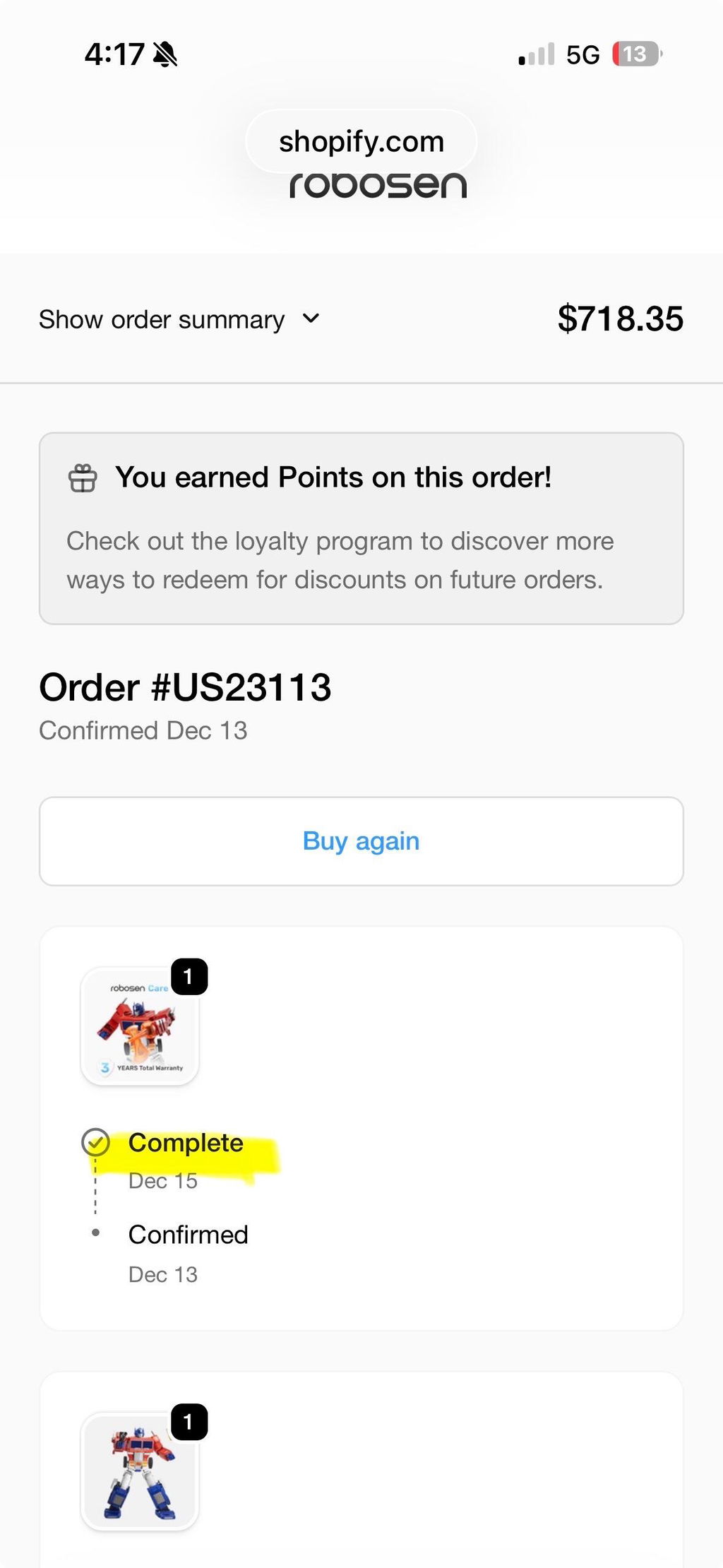
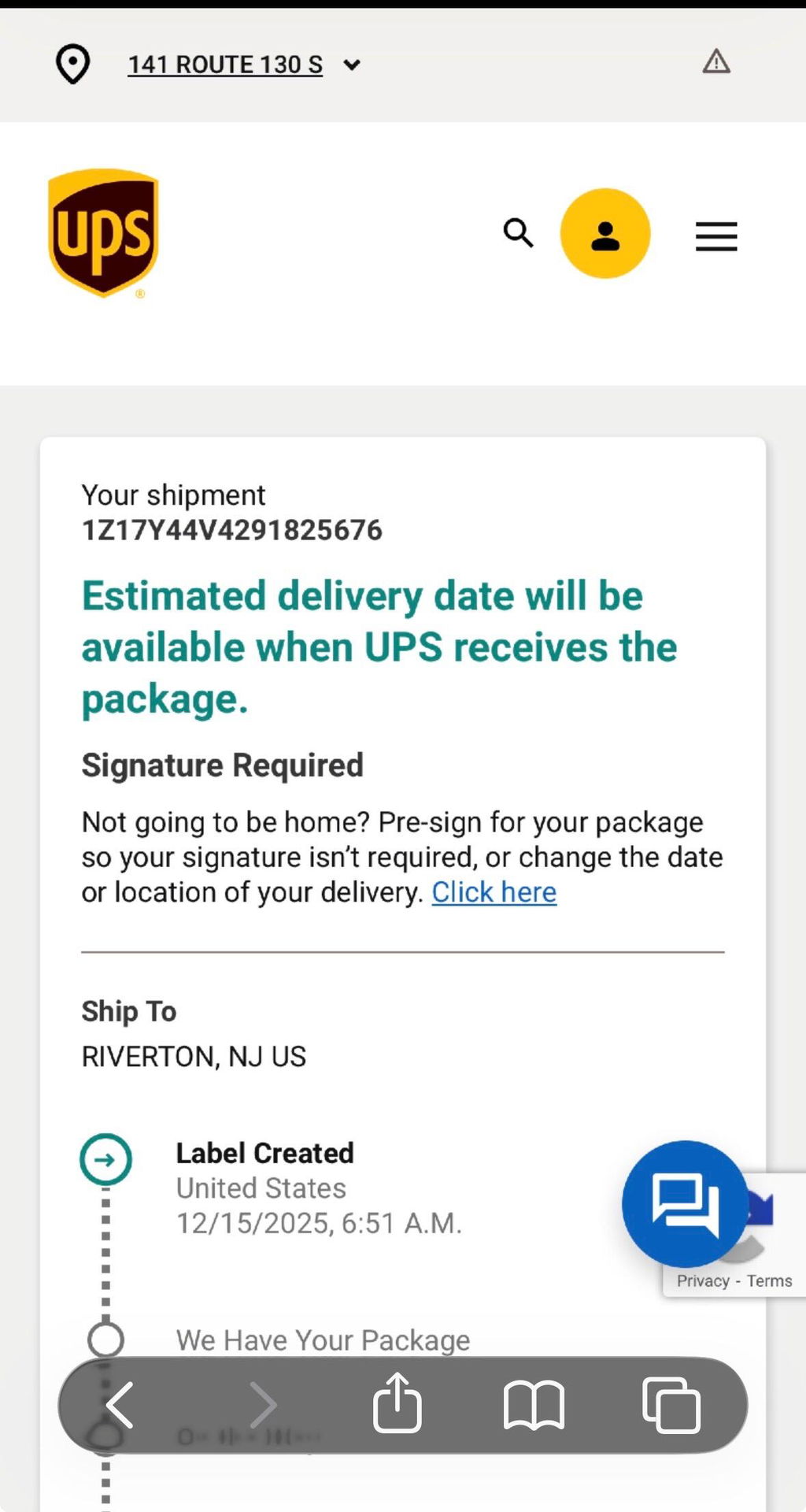
I purchased the Elite Optimus on Dec. 13th so it would arrive in time for Christmas. I got notification that it would arrive on 12/22. My payment of $723 was deducted from my account. I kept checking UPS and nothing changed. It says label created on 12/15 (I attached picture). I reached out on the afternoon of the 23rd via email to customer support explaining the issue. Someone emailed me back within a couple of hours and said it was in transit and would arrive by the 24th in time for Christmas. They said to reach out on the morning of the 26th if we hadn’t received it, they would put out a trace on it and I quote, “Be there every step of the way.” Not only did it not arrive on the 24th in time for Christmas (it was the only thing my son asked for), it didn’t arrive the morning of the 26th. I emailed support around 11am - didn’t hear anything. So I emailed again late afternoon. I still haven’t heard back.
So I am beyond frustrated and my son pretty much told me it was the worst Christmas. I don’t understand how it was in transit and now nothing.
My son also asked for Soundwave too and I want to use your company but can’t have him disappointed again. Plus, it’s a little out of my price range. I saved up all year to buy him that Optimus and have nothing to show for it.
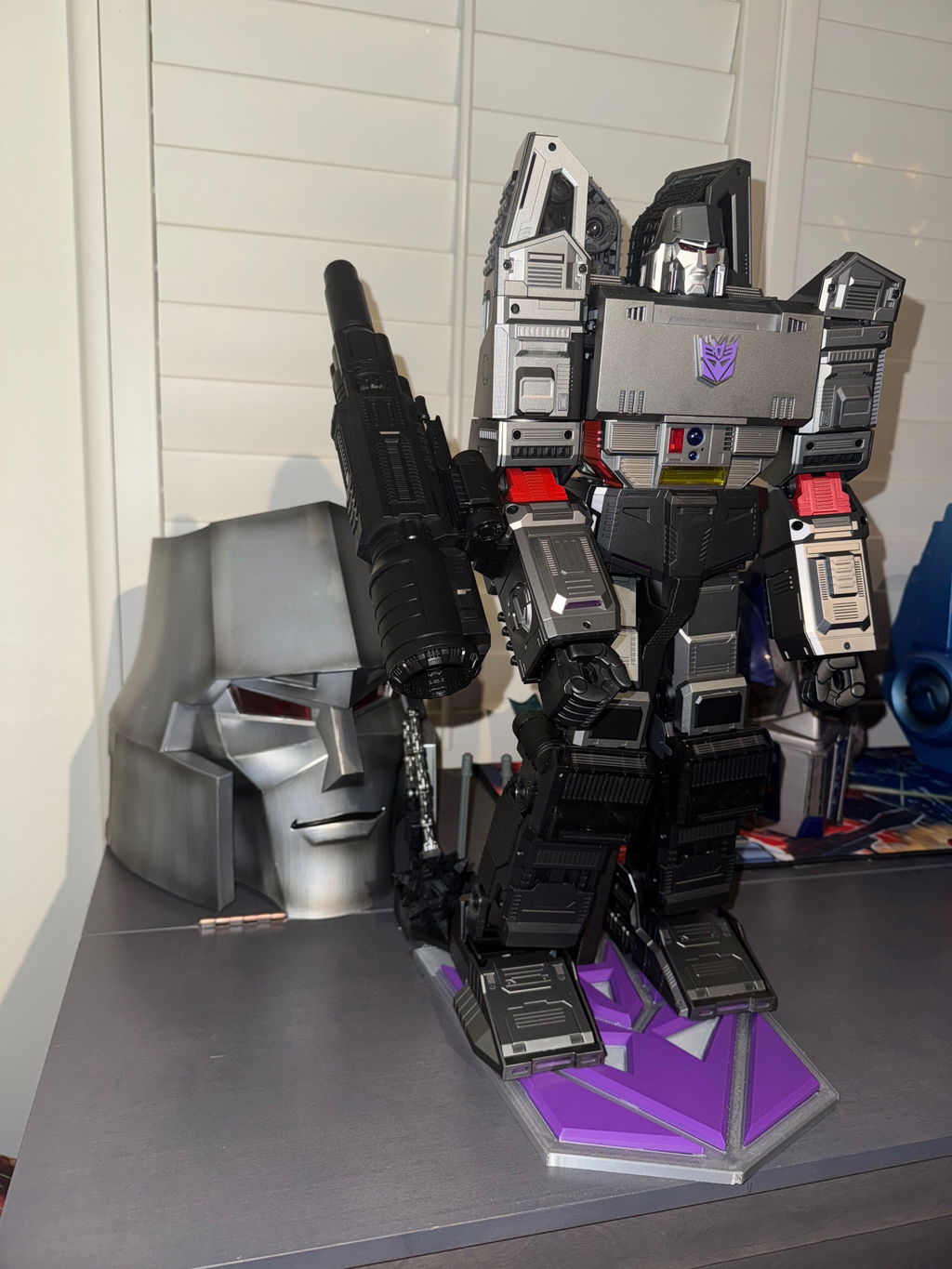
Flagship Megatron is my birthday gift from my wife and kids, and I love it. The 8-year-old boy in me was thrilled to unbox Megatron when it arrived. Robosen has done a fantastic job making many Generation X dreams come true. I grew up watching Transformers, and watching my Megatron robot transform from robot to tank and back is incredible. I even made my friends a bit envious. I hope future Robosen Transformers are as impressive as Flagship Megatron and do not shrink in size.
The battery was dead when I first unboxed. I charged Optimus for an hour. He worked great and was a lot of fun for an hour. He the said the low battery, "low on Energon" phrase. I plugged him in, and went back a few hours later. He will not recharge again. I also have the AI base, so I tried that to charge him. Again, he will not charge. So heartbroken. Can Robosen just send me a replacement battery please? I don't want to go through the hassle of returning and hoping the next one works. It also makes sense that replacement batteries should be an option for all purchases, because eventually everyone will experience this and we should be able to do that for such an expensive product. I have seen numerous reports of this issue across the internet. I now own a limp Optimus Prime on a stand. Buyer beware.
I absolutely love this thing. A highlight of my collection. So good!
At first, I wasn't going to get Megatron because his Alt mode took away my nostalgia lol. Then they had a sale, so I said, 'What the heck.' They should have made him Galvatron, since he transforms into a cannon with a tank-like track (a future idea). The only problem I have with Meg is that he's back heavy. Depending on the finish movement he falls to his back. The balance is off. Other than that, I like it.
This figure brings back childhood memories very nostalgic in so many ways. See this figure transform before you're very eyes is like a dream come true.A fancy brought to life every kid's dream
My husband's face lit up as if he was 7 years old all over again. He is enjoying it so much! Now, I need to surprise him with Megatron. I'd love to see a Godzilla robosen.
High quality and so much fun!! Collection Quality.
This robot is so awesome. Here is Optimus kungfu fighting. Enjoy .
This brings the G1 Transformers Optimus Prime to life and it’s super cool how you can program it if you have the patience in the chops to delve in to the servo motor performance. I just wish that I hadn’t bought it at full price because it went on sale four days later but they won’t honor the sale. Bummer.
Love it! Lots of fun and look great!
1. After first time using,Optimus turn on while plugged in and when I take unplug the charger, he won't turn on. I'm thinking it's because Optimus isn't fully charged yet, but it is same situation even after overnight charge.
2. Speaking of charging, the charger defaults to the green led, supposed to be red when plugged to an outlet and then green when Optimus is fully charged.
3. I was able to connect Optimus to the app and it said 3 green bars on the battery. So between this and the green LED on the charger, it says Optimus is fully charged, but still won't turn on.
4. My children were really looking forward to Optimus, but in fact it's just wasted money. A robot with such a cost should work like a clock, but it turned out to be useless after a couple of charges.
Easily the best robot of the future. Would love to get more of them if they are more affordable and can only imagine how a soundwave would turn out.
Transformers was and is still my favorite cartoon. Me getting a chance to purchase Optimus Prime from robosen was an honor and a pleasure. Optimus Prime is easily my favorite toy it just brought back so many childhood memories I will cherish this and be purchasing more Transformers. The actions of Optimus Prime can’t be touched I can watch him transform all day if you’re a fan of Transformers its a must have!!!
Not only did it not arrive in time, it took over 2 weeks to arrive, and it does not work. At first it would turn on and die when transforming one day later, it doesn't even turn on. I have reached out to the company 3 times. They asked for a video from a file sharing site. At this point, I'm considering returning for refund rather a replacement.